............................................................................................................................................................. 03
Important Safety Instructions
[Power Supply]
[Ventilation]
For safety sake, the plug of the Multimedia LCD Display is designed in
such a manner that you can plug into a socket in a certain direction; To
protect your device from electrical shock, be sure to plug the cord into the
socket securely. If you have problems plugging into the socket, please
contact your distributor.
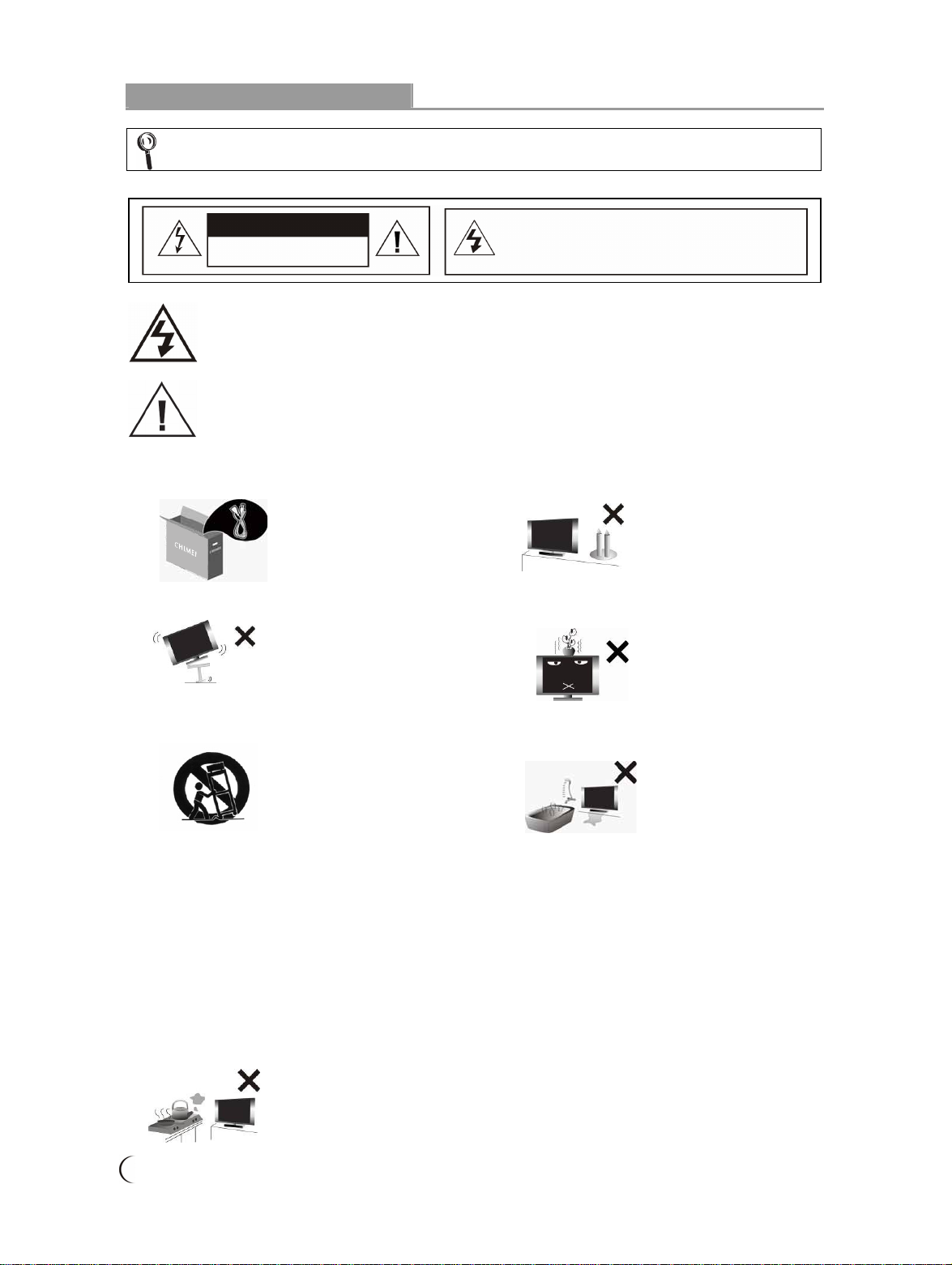
1. Do not defeat the safety purpose of
the polarized or grounding type
plug. Polarized type plug has two
flat pins, one wide and the other
narrow. Grounding type plug has
two flat pins and one round
grounding pin. The wider flat pin
and round grounding pin are
designed for safety. If the provided
plug does not fit into your outlet,
consult an electrician for
replacement of the obsolete outlet.
The apparatus must be connected
to a main socket outlet with a
protected earthed connection.
2. Check the Multimedia LCD Display power
specification shown on the serial No./model tag.
Be sure to use the power according to the
specification. If you are unsure about the power
requirement, please contact your distributor or
local power company.
3. DO NOT overload powers sockets
or extension cords. Overloading
poses a risk of electric shock or
fire. Please purchase optional
extension cord that can switch off
automatically upon overloading.
4. The power cords shall be checked and cleaned
regularly. Check if they are gnawed by pets or
rats. If this occurs, change the power cord
immediately.
5. Prevent the power cord from
being pressed or kinked by a
foreign object. Do not bundle
or roll up the power cord to
avoid dissipation interruption.
Keep your Multimedia LCD
Display away from any place
where the power cord is
easily scuffed. Use only the
correct power cord.
6. Protect the power cord from being walked on
or pinched particularly at plugs, convenience
receptacles, and the point where they exit
from the apparatus. If there’s any flaw,
change a new one immediately.
7. In case of thunderstorm or if the device is
not used for a long time, remove the power
plug to prevent damage of the Multimedia
LCD Display due to abnormal surge.
8. DO NOT put the power cord around any
apparatus that generates heat. If the
protective jacket of the power cord is melted
or burnt, there might be risks of fire or
electric shock. Do NOT pile inflammable
things (like paper) near the power cord.
9. The readily operable appliance coupler will
serve as the disconnecting device of this
apparatus.
10.When the product is purchased or used in
different countries, you should use an
appropriate power cord which is compliant
with local laws and regulations.
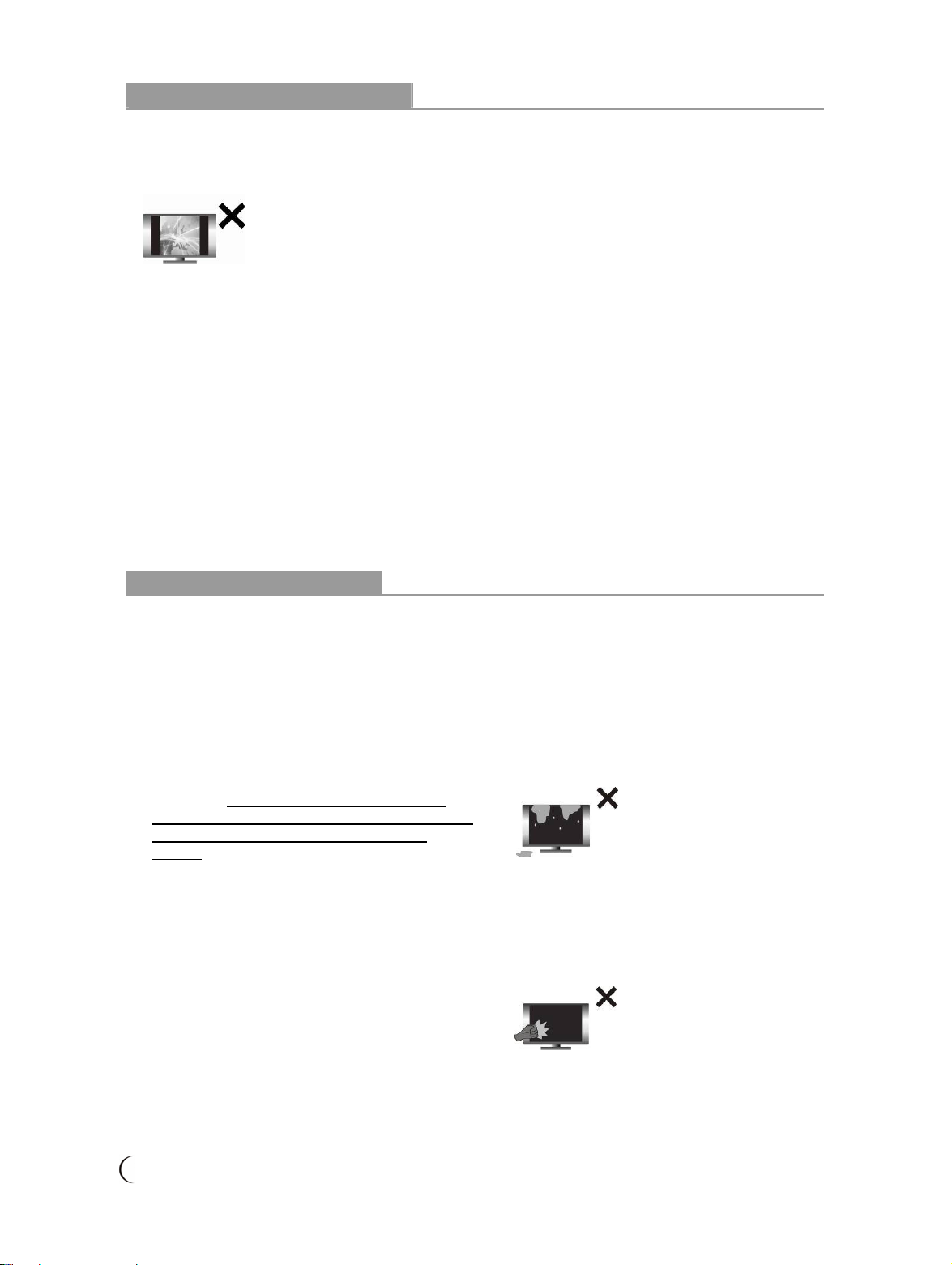
1. The ventilation openings on the
back of Multimedia LCD Display are
provided for ventilation and heat
dissipation and a 10 cm space shall
be provided around them. Do not
block any vent and keep it clear.
2. DO NOT place the Multimedia LCD Display on
beds, sofas or carpet, as this may block the vent.
3. DO NOT use the Multimedia LCD Display in
enclosed or confined spaces such as a
bookshelf, bookcase or LCD Display cabinet.
4. Keep the Multimedia LCD Display from direct
sunlight.