Cabletron Systems Access Server 316 Manuel utilisateur

9032858
Access Server 316
Hardware Owner’s Manual


i
Notice
Notice
Cabletron Systems reserves the right to make changes in specifications and other information
contained in this document without prior notice. The reader should in all cases consult Cabletron
Systems to determine whether any such changes have been made.
The hardware, firmware, or software described in this manual is subject to change without notice.
IN NO EVENT SHALL CABLETRON SYSTEMS BE LIABLE FOR ANY INCIDENTAL, INDIRECT,
SPECIAL, OR CONSEQUENTIAL DAMAGES WHATSOEVER (INCLUDING BUT NOT LIMITED
TO LOST PROFITS) ARISING OUT OF OR RELATED TO THIS MANUAL OR THE INFORMATION
CONTAINED IN IT, EVEN IF CABLETRON SYSTEMS HAS BEEN ADVISED OF, KNOWN, OR
SHOULD HAVE KNOWN, THE POSSIBILITY OF SUCH DAMAGES.
© July 1999 by:
Cabletron Systems, Inc.
35 Industrial Way
Rochester, NH 03867
All Rights Reserved
Printed in the United States of America
Order Number: 9032858
Cabletron
Systems
is a registered trademark of Cabletron Systems, Inc.
DEC
,
DEChub
,
DIGITAL
, and the
DIGITAL
logo
are trademarks of Compaq Computers, Inc.
Ethernet
is a trademark of Xerox Corporation.
All other trademarks or registered trademarks are the property of their respective holders.

ii
Notice
FCC Notice
This device complies with Part 15 of the FCC rules. Operation is subject to the following two
conditions: (1) this device may not cause harmful interference, and (2) this device must accept any
interference received, including interference that may cause undesired operation.
NOTE:
This equipment has been tested and found to comply with the limits for a Class A digital
device, pursuant to Part 15 of the FCC rules. These limits are designed to provide reasonable
protection against harmful interference when the equipment is operated in a commercial environment.
This equipment uses, generates, and can radiate radio frequency energy and if not installed in
accordance with the operator’s manual, may cause harmful interference to radio communications.
Operation of this equipment in a residential area is likely to cause interference in which case the user
will be required to correct the interference at his own expense.
WARNING:
Changes or modifications made to this device which are not expressly approved by the
party responsible for compliance could void the user’s authority to operate the equipment.
VCCI Notice
This is a Class A product based on the standard of the Voluntary Control Council for Interference by
Information Technology Equipment (VCCI). If this equipment is used in a domestic environment,
radio disturbance may arise. When such trouble occurs, the user may be required to take corrective
actions.
Industry Canada Notice
This digital apparatus does not exceed the Class A limits for radio noise emissions from digital
apparatus set out in the Radio Interference Regulations of the Canadian Department of
Communications.
Le présent appareil numérique n'émet pas de bruits radioélectriques dépassant les limites applicables
aux appareils numériques de la class Aprescrites dans le Règlement sur le brouillage radioélectrique
édicté par le ministère des Communications du Canada.

iii
Notice
Declaration of Conformity
Addendum
Application of Council Directive(s):
89/336/EEC
73/23/EEC
Manufacturer’s Name:
Cabletron Systems, Inc.
Manufacturer’s Address:
35 Industrial Way
PO Box 5005
Rochester, NH 03867
European Representative Name:
Mr. J. Solari
European Representative Address:
Cabletron Systems Limited
Nexus House, Newbury Business Park
London Road, Newbury
Berkshire RG13 2PZ, England
Conformance to Directive(s)/Product Standards:
EC Directive 89/336/EEC
EC Directive 73/23/EEC
EN 55022
EN 50082-1
EN 60950
Equipment Type/Environment:
Networking Equipment, for use in a
Commercial or Light
Industrial Environment.
We the undersigned, hereby declare, under our sole responsibility, that the equipment packaged with
this notice conforms to the above directives.
Mr. Ronald Fotino Mr. J. Solari
____________________________________________________ ______________________________________________________
Full Name Full Name
Principal Compliance Engineer Managing Director - E.M.E.A.
____________________________________________________ ______________________________________________________
Title Title
Rochester, NH, USA Newbury, Berkshire, England
____________________________________________________ ______________________________________________________
Location Location

Notice
iv

v
Contents
Preface
Using This Guide ...........................................................................................................vii
Intended Audience.........................................................................................................vii
Structure of This Guide.................................................................................................vii
Document Conventions ...............................................................................................viii
Related Documentation................................................................................................viii
Getting Help ....................................................................................................................ix
Chapter 1 Hardware Overview
Model 316....................................................................................................................... 1-2
Controls, Indicators, and Connectors.........................................................................1-2
Understanding the Software Loading........................................................................ 1-5
Loading from Flash RAM.....................................................................................1-5
Loading from the Network...................................................................................1-5
Chapter 2 Checking the Site
Physical Requirements.................................................................................................2-2
Environmental Requirements .....................................................................................2-3
Electrical Requirements................................................................................................2-4
Chapter 3 Cabling the Site
Preinstallation Checks..................................................................................................3-1
Installing the Ethernet Cables and Devices...............................................................3-2
Installing Serial Cables and Devices on the Access Server 316 ..............................3-2
Cabling Requirements..................................................................................................3-4
Standard Ethernet Connection.............................................................................3-5
10BaseT Ethernet Connection ..............................................................................3-5
ThinWire Ethernet Connection............................................................................3-5
Installing the Access Server 316 in a Rack.................................................................3-6
Installing the Access Server 316 on a Desktop..........................................................3-9

Contents
vi
Chapter 4 Connector and Cable Pin Descriptions
Connector Pin Descriptions.........................................................................................4-1
Standard Ethernet ..................................................................................................4-2
10BaseT Ethernet....................................................................................................4-3
Access Server 316 Serial Line Ports .....................................................................4-4
Cable Connections.........................................................................................................4-5
Cabling and Adapters Used with Access Server 316 ...............................................4-6
Chapter 5 Replacing and Adding Memory
Swapping or Replacing an Access Server 316 Unit..................................................5-1
Replacing a Faulty Single-In-Line Memory Module................................................5-2
Additional Memory Supported ................................................................................5-10
Installing Extra Memory ............................................................................................5-11
Chapter 6 Replacing and Adding Flash RAM
Replacing or Adding Flash RAM................................................................................6-2
Chapter 7 What to Do IfYou Have Problems
Diagnosing Problems....................................................................................................7-2
Seven-Segment Display Off and System OK LED Off.............................................7-3
System OK LED Off / Seven-Segment Display Flashing “C”, “d”, or “n” ..........7-3
System OK LED Off / Seven-Segment Display Flashing........................................7-4
System OK LED Flashing.............................................................................................7-4
Error Messages .......................................................................................................7-4
Seven-Segment Display Shows a “3”.........................................................................7-6
Downline Load Starts, Then Fails........................................................................7-6
Downline Load Does Not Start............................................................................7-7
Seven-Segment Display Codes....................................................................................7-7
Network Activity LED..................................................................................................7-8

vii
Preface
This manual describes how to use the Access Server 316. It also provides problem
solving, connector and adapter, and pin assignment information.
UsingThis Guide
Read through this guide completely to understand the interface module features,
capabilities, and Local Management functions. A general working knowledge of
Ethernet and IEEE 802.3-type data communications networks and their physical
layer components is helpful when using these devices.
Intended Audience
This manual is intended for use by the hardware installer. The installer is
responsible for ensuring that the hardware is installed and tested. This manual
shows how to install when the site is verified and the cables and devices are in
place. It also shows how to verify the site, install cables and devices, and
troubleshoot problems. The person installing the software can then verify the
system installation.
Structure ofThis Guide
This guide is organized as follows:
Chapter Title Description
1
Hardware Overview
Outlines the contents of this manual, describes the
features of theAccess Server 316, provides instructions
on obtaining additional help and concludes with a list
of related manuals.
2
Checking the Site
Lists the physical, environmental, and electrical
requirements.
3
Cabling the Site
Provides instructions on how to cable your site.
4
Connector and Cable Pin
Descriptions
Shows the connector and pin assignments.

Preface
viii
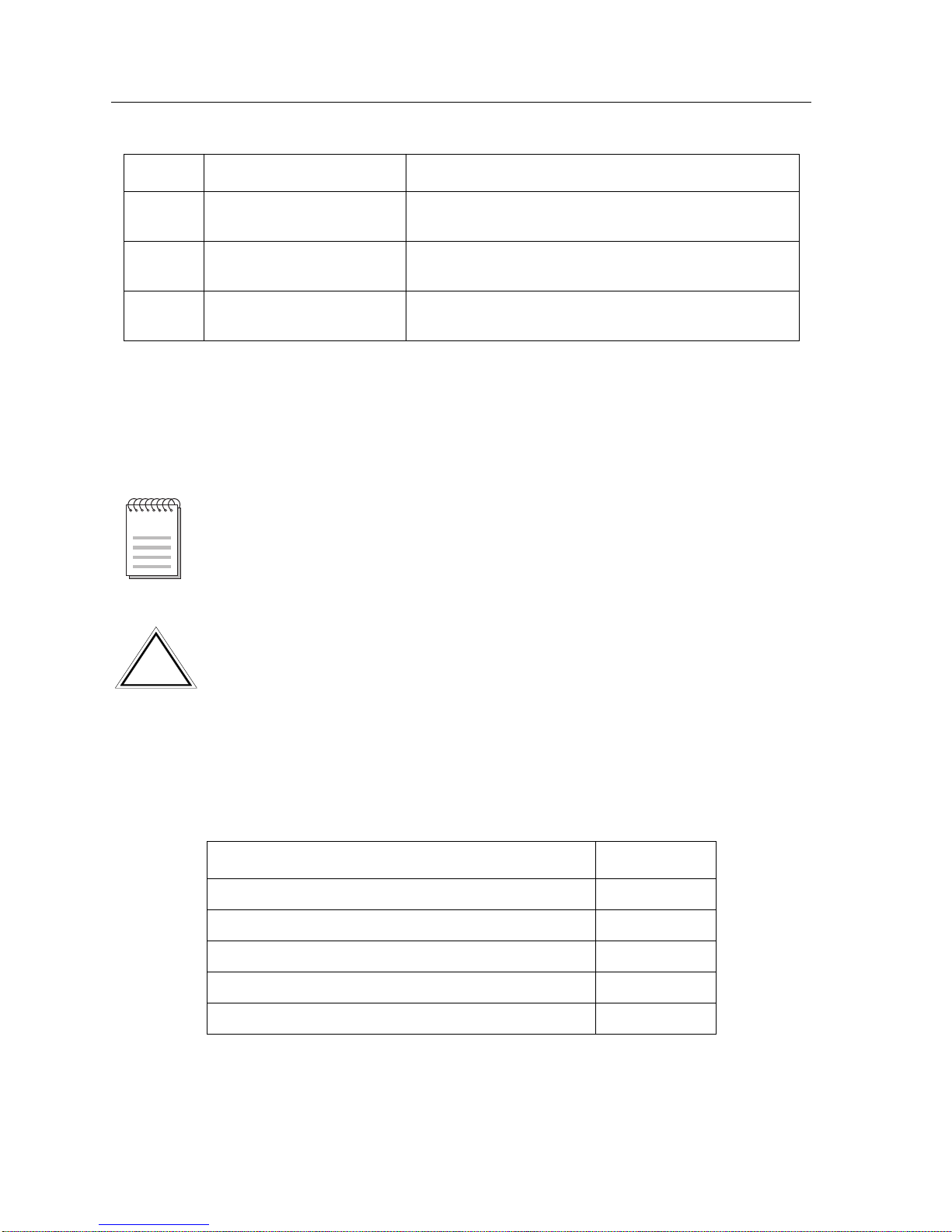
Document Conventions
Throughout this guide, the following symbols are used to call attention to
important information.
Related Documentation
The following documents may help the user to set up and manage the Network
Access Server 316:
5
Replacing and Adding
Memory
Shows how to install extra memory and replace faulty
memory.
6
Replacing and Adding
Flash RAM
Shows how to update with flash RAM.
7
What to Do If You Have
Problems
Describes what to do if you encounter a problem.
Title Part Number
Network Access Server 316 Hardware Owner’s Manual
9032858
Network Access Software Management Guide
9032859
Network Access Software Commands Reference Manual
9032860
Network Access Software Problem Solving Guide
9032861
Network Access Software Installation Guide
9032862
Chapter Title Description
Note symbol. Calls the reader’s attention to any item of information that may be
of special importance.
NOTE
Caution symbol. Contains information essential to avoid damage to the
equipment.
!
CAUTION
Table des matières
Autres manuels Cabletron Systems Serveur