05.0760 210203V1.0 BRÄHLER Systems is constantly improving its products and therefore reserves the right to make technical changes without notice.
Headphones
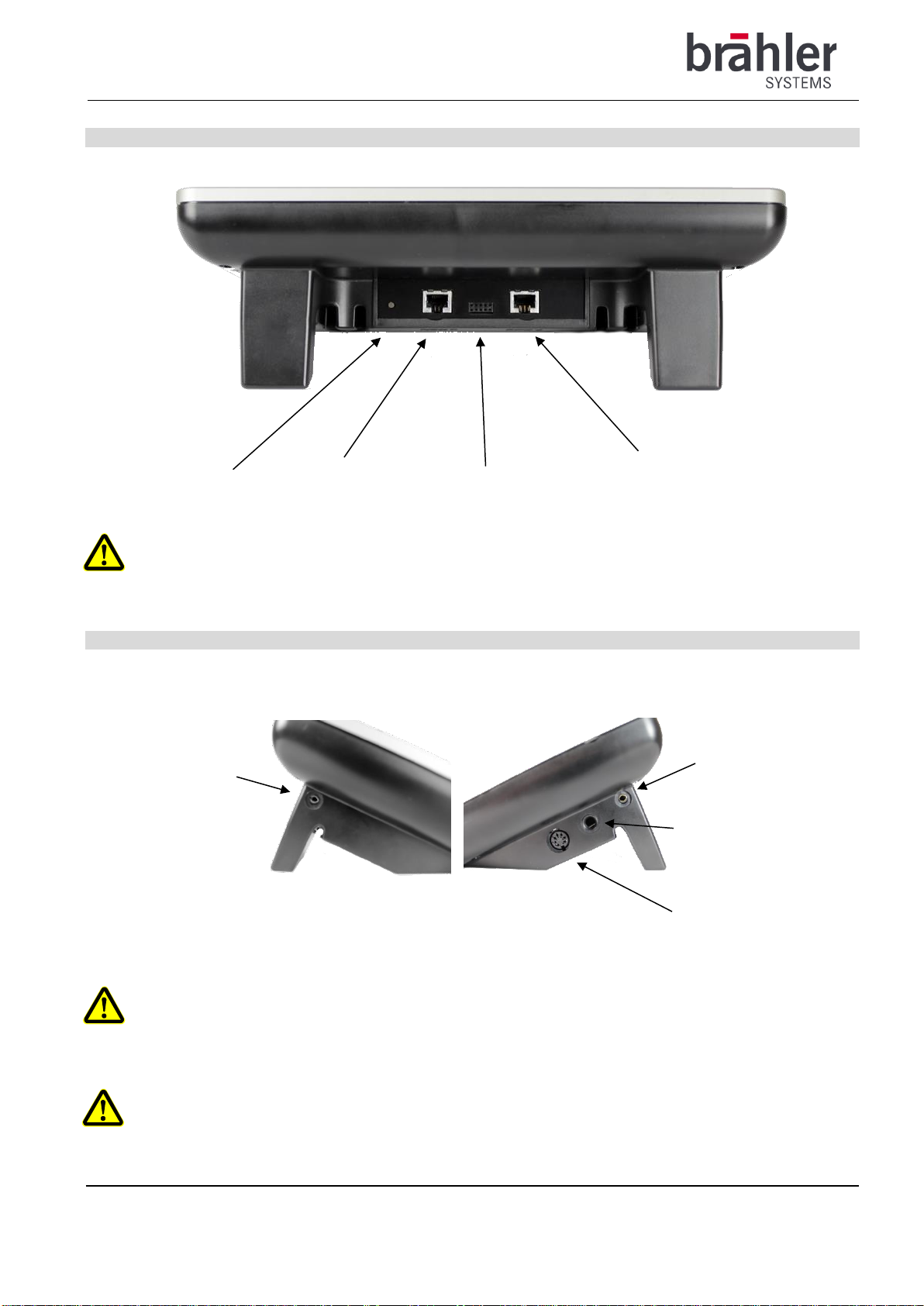
You can receive the audio signal in two ways - via the integrated speaker or via headphones/hearing headset.
Connecting a headphone with 3.5mm jack plug:
Connect a pair of headphones to the 3.5mm jack on the right or left side of the device. Connect only one
headphone and not several at the same time.
The attached microphone is used for speaking.
Connecting headphones with 6.3mm jack plug:
Connect a pair of headphones to the 6.3mm jack on the right side of the unit. Connect only one headphone and
not several at the same time.
The attached microphone is used for speaking.
Connecting a headphone 5-pin DIN connector:
Connect a pair of headphones to the DIN jack on the right side of the unit. Connect only one headphone and
not several at the same time.
The attached microphone is used for speaking.
Connecting a headset with 3.5mm 4-pin jack plug:
Connect a headset to the 3.5mm 4-pin jack on the right or left side of the device. Connect only one headset
and not several at the same time.
The microphone of the headset is used for speaking. The attached microphone is switched off.
Connecting a headset with 7-pin DIN connector:
Connect a headset to the DIN jack on the right side of the unit. Connect only one headset and not several at
the same time.
The microphone of the headset is used for speaking. The attached microphone is switched off.
Special case headset with use of the attached microphone:
Connecting a headset with 3.5mm 4-pin jack plug:
Connect a headset to the 6.3mm jack socket using a 3.5mm to 6.5mm adapter on the right side of the device.
Connect only one headset and not several at the same time.
The attached microphone is used for speaking and not the microphone of the headset. This enables
interpreters to use their own headsets for listening, but using the attached Brähler Systems microphone for
high level audio quality.
Adjust the volume (Volume +/- knob).
The integrated speaker is always active - set LS to minimum to switch off.
When the microphone is on, the integrated loudspeaker is automatically muted.
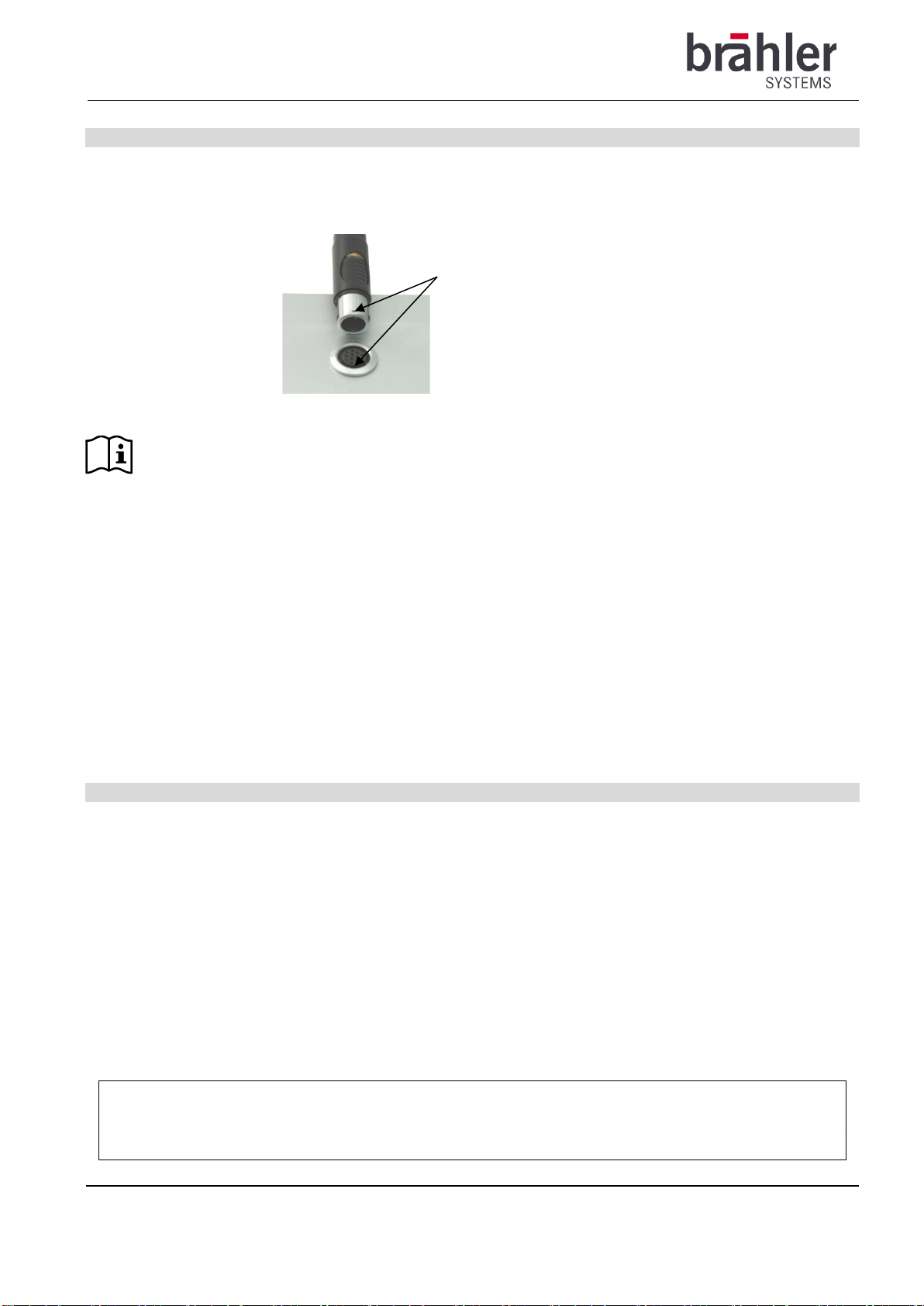
Always turn the microphone off and the volume control to minimum before plugging in a headset,
headphones or microphone.
The protection against short, too loud impulses as well as against longer listening with too high volume
is adapted to the operation with the HS460 headset. Correct function cannot be guaranteed with other
headphones or headsets.