
Boca Voyager 64 Manuel utilisateur

1

Voyager 64
2

3
differently, you may be required to perform
some basic DOS or Windows tasks. If you
are not familiar with basic DOS commands
such as DIR, CD, or EDIT, you should check
your DOS manual, or seek assistance from
you local computer dealer to install the
product.
How to get Technical
Assistance The dealer
that you
purchased
this product
or your
computer from is the FIRST place you should
go for technical assistance. The dealer is
usually the most qualified source of help, and
Before You
Begin
your
Installation
The product you
have purchased is
designed to be
easily installed into most IBM PC or
compatible systems. Many products have
large, easy-to-read legends to allow for the
easy configuring of the product. This
installation manual contains detailed
instructions. Most included software has
automatic installation programs to place the
software correctly onto your computer.
However, as all computers are configured

Voyager 64
4
Direct access to technical support
representatives is provided on a limited basis.
If you require immediate attention or in-depth
help with the installation of the product,
please call our 900-priority support number
for service. This number gives you immediate
access to senior-level technicians. The
number is 900-555-4900. You will be charged
$2.00 per minute. The charges will appear on
your next phone bill.
Damaged or Missing
Items
We use many world-class quality assurance
programs to ensure the product you
purchased is of the highest caliber.
Sometimes, however, a component may be
is most familiar with your system and how
this product should be installed. Many dealers
have customer service and technical support
programs, with varying levels of support
offered, depending on your needs and
computer knowledge. Please contact the
dealer first whenever a problem occurs.
If your Dealer Can’t Assist
you
If you can’t get assistance from your dealer,
the manufacturer provides varying levels of
technical assistance. The following support
number is for quick answers to specific
inquiries on product features and technical
questions. Call 407-241-8088; M-F, 8 am to
6:30 pm EST.

5
missing from the box, or is damaged or
corrupt in some way. If this happens,
immediately return the entire package to your
place of purchase so you may exchange it for
a new one. Your dealer should be able to
provide you with an exchange far more
quickly than by contacting us directly. If for
some reason you are unable to return the
product directly to its place of purchase, refer
to “Servicing Your Product” and “Warranty”
in this manual’s Appendix for instructions.
Boca BBS
407-241-1601
Standard Free
Technical Support
407-241-8088
Priority Service
900-555-4900
($2 per minute)
CompuServe
GO BOCA
2
3
1
4
5
6
79
8
QuickFax
Fax Retrieval
407-995-9456

Voyager 64
6
Contents
Introduction............................................................................................................. 8
EXPRESS Installation ............................................................................................. 9
Installing the Voyager 64 ..................................................................................... 10
Product Overview ................................................................................................. 12
Hardware Features ................................................................................................................... 13
Maximum Resolutions/Color Depths Supported .............................................................. 13
Maximum Clock Frequencies............................................................................................ 13
Memory ............................................................................................................................ 14
Hardware GUI Accelerator Functions ............................................................................... 14
VESA Support ................................................................................................................... 14
Software Features .................................................................................................................... 14
Utilities ..................................................................................................................................... 15
Monitor Compatibility .............................................................................................................. 15
System Compatibility ............................................................................................................... 16
System Requirements.............................................................................................................. 17

7
Display Drivers ..................................................................................................... 18
Installing the Display Drivers................................................................................................... 19
Windows 3.1/3.11.................................................................................................................... 20
Windows 95 ............................................................................................................................. 22
Windows NT (3.5+).................................................................................................................. 22
The Vrefresh Utility .................................................................................................................. 23
The FCON Utility....................................................................................................................... 24
Appendix A: Troubleshooting................................................................................ 25
Appendix B: Technical Specifications .................................................................. 29
Appendix C: Video Modes .................................................................................... 32
Appendix D: FCC Compliance............................................................................... 37
Appendix E: Servicing Your Boca Product............................................................ 38
Appendix F: Warranty ........................................................................................... 41
Software License Agreement ............................................................................... 43
Glossary................................................................................................................ 44
Voyager 64
8
INTRODUCTION
Congratulations on the purchase of your
Voyager 64 Accelerator VGA board from Boca
Research, a leader in high-tech computer
enhancement products. The Voyager 64 is IBM
VGA compatible and is designed to work in all
standard PCI 2.0 Local Bus and compatible
computers. The EXPRESS Install provided on
page 9 is intended for experienced and
knowledgeable users. For more details, see
pages 10-11.
The balance of the manual contains a product
overview (including compatibility and system
requirements), instructions for installing
Windows and DOS drivers and utilities,
troubleshooting, and technical specifications.
INSTALLATION
MANUAL
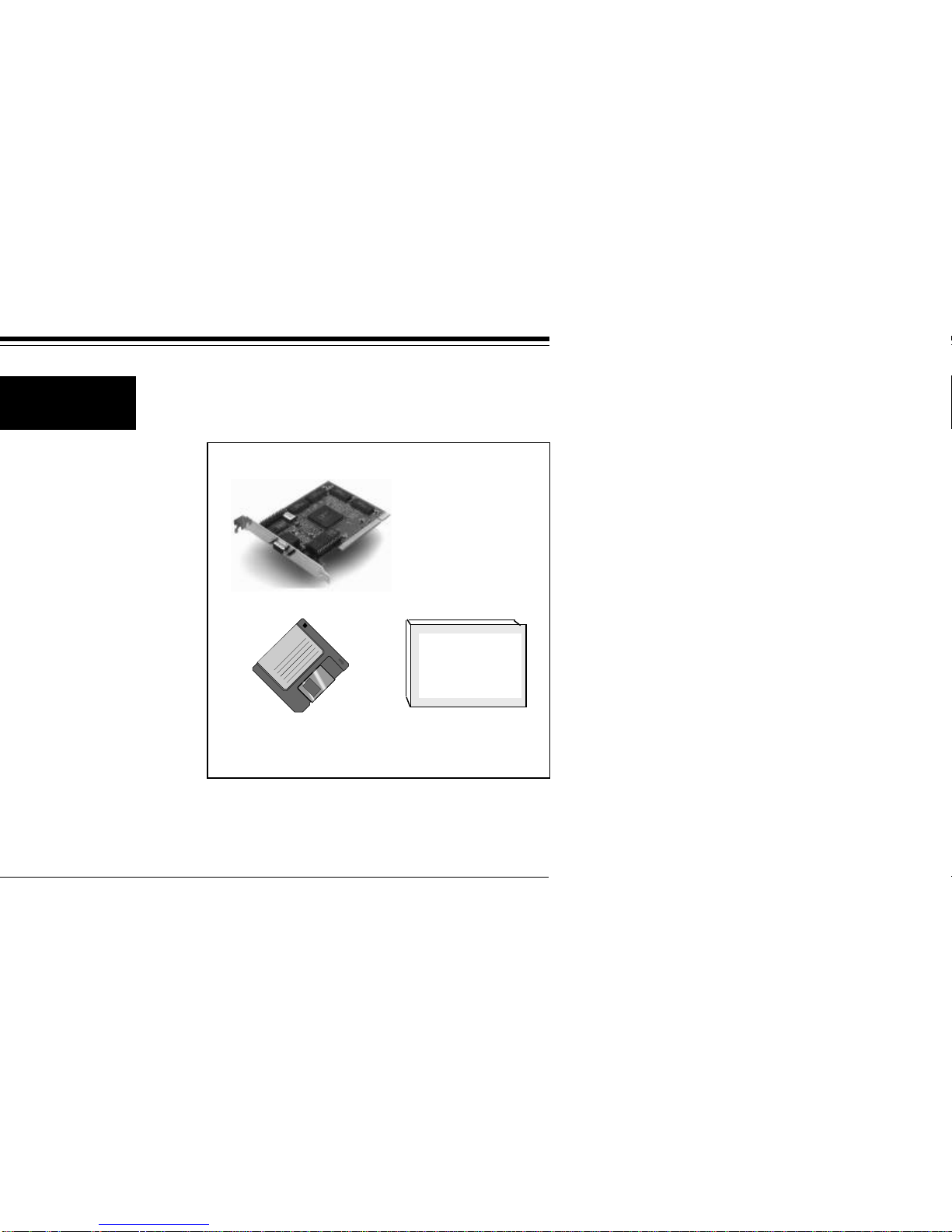
Make sure you have received the following
items:
If any items are missing, or appear damaged,
contact your dealer for assistance.
DRIVER
DISKETTE
THE
VOYAGER 64
ACCELERATOR

9
Express Installation
EXPRESS Install
Replace your
system cover.
è
è
Attach the monitor cable.
○ ○ ○ ○ ○ ○ ○ ○ ○ ○
○ ○ ○ ○ ○ ○ ○ ○ ○ ○
Install drivers.
Go to page 18.
START
HERE!
è
Insert the
board into
a PCI-slot.
è
Remove your
system cover and
any existing video
card.
Turn ON your computer.
Turn OFF your computer.

Voyager 64
10
Installing the Voyager 64
1. Turn the power switch to the OFF position.
Remove the power cord from the back of
the computer and unplug the keyboard
cable from the computer. Then use a small
screwdriver to remove the screws that
attach the computer’s cover to the rear
panel. Carefully slide the cover forward,
away from the rear panel.
The Voyager 64 board must be installed in a
PCI-bus compatible slot. PCI expansion slots
are shorter than standard ISA slots. The
Voyager 64 board will NOT function if it is
plugged into a standard ISA slot.
Normally, plugging in the PCI-based Voyager
64 will disable any built-in video adapter. If
this does not disable your built-in video
adapter, your computer documentation
should provide the necessary instructions.
2. Select any available PCI-Bus expansion slot.
3. Remove the screw and the metal plate that
covers the external access to the slot you
have selected.
Remove any existing VGA/EGA card before
installing the Voyager 64.
1
1
1
1
1
1
1
1
1
1
123
123
123
123
123
123
123
PCI SLOTS ISA SLOTS
12
12
12
12
12
12
12
12
12
12
12
12
12
12
1
1
1
1
1
1
1
1
1
1
1
123
123
123
123
123
123
123
123
123
123
123
1
1
1
1
1
1
1
1
1
1
Ce manuel convient aux modèles suivants
1
Table des matières


