
BIOSURFIT spinit S40 Manuel utilisateur
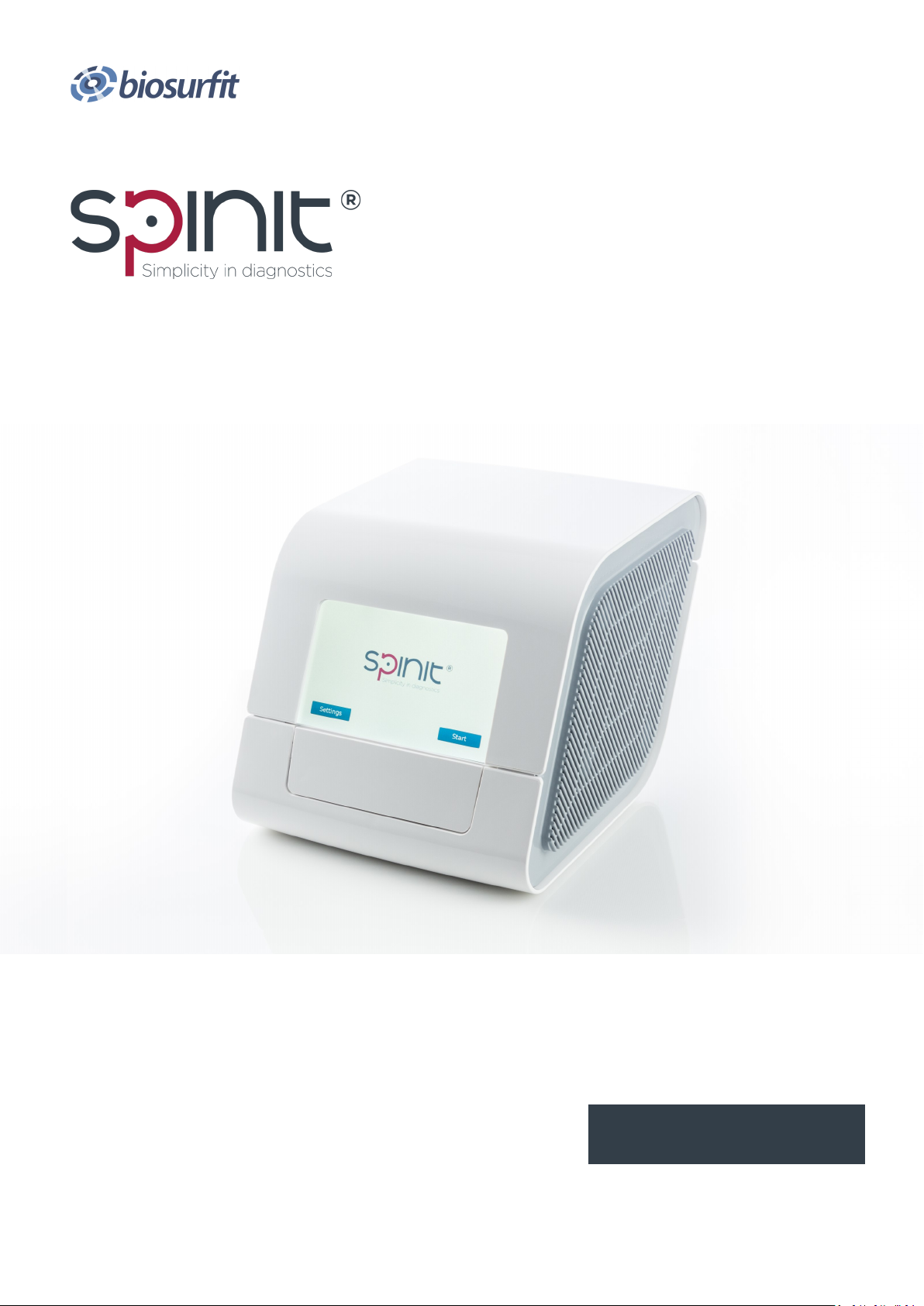
English
User Manual
spinit® S40
spinit® E40

TABLE OF CONTENTS
Safety Informaon, Precauons and Limitaons 1
spinit® system 2
Introducon 3
About this User Manual 3
Unpacking the spinit® instrument 3
spinit® system descripon 4
The spinit® system 4
Descripon of the spinit® instrument 4
Descripon of the spinit® discs 5
How the spinit® instrument works 6
Internal process control 7
External process control 7
Geng Started 8
Installing your instrument 8
Connecng power supply 8
Connecng addional equipment 8
How to turn ON the instrument 9
How to turn o the instrument 9
How to operate the instrument 9
Sound Signals 10
Conguraon 11
The spinit® menus 11
Home Menu 11
spinit® sengs 11
Data 11
Language 12
HL7 Status 12
About 12
Quality Control 13
Running Controls 13
QC—Pass or failed 13
Paent and Control results 13
View, print and export paent control results 14
Advanced Sengs 14
Data 14
ID Sengs 15
Operator ID 15
Paent ID 15

TABLE OF CONTENTS
Assay Opons 17
Date / Time 18
Change Password 18
Congure Printer 18
Network Sengs 19
HL7 Conguraon 19
Erase Data 19
Soware Update 20
Device maintenance 20
Quality Controls tesng 21
Handling and tesng controls 21
Why control tesng 21
Choosing control material 21
Frequency of control tesng 22
Tesng Procedure 23
Operang Precauons 23
Preparing for sample analysis 23
Prepare for tesng > paent samples 24
Prepare for tesng > quality Control material 26
Info Codes and Troubleshoong 30
Service Informaon 30
Informaon codes for spinit® E40 and S40 31
Addional codes for spinit® S40 33
Maintenance and Warranty 34
Maintenance 34
Cleaning the exterior 34
Servicing 34
Warranty 34
Soware Update 34
Disposal and recycling of the instrument 34
Technical Specicaons 35
Instrument Specicaons 35
Addional equipment 36
Symbols and abbreviaons 37

Safety Informaon, Precauons and Limitaons
WARNING: For safe and proper use, read all operang instrucons in this User Manual
before using the spinit® instrument.
Please read all the following precauons and limitaons carefully:
• Please read and carefully follow the test specic informaon given in the Instrucons for Use
of all spinit® discs.
• Only spinit® discs and spinit® strips are to be used. Do not insert standard CDs or DVDs into
the spinit® instrument.
• Place the spinit® instrument in a well-venlated environment, allowing at least 20 cm of free
space at each side of the instrument.
• Do not spill any liquids or drop any objects onto or into the spinit® instrument. The spinit®
instrument should not be near or in contact with water.
• Spillage of potenally infecous material should be wiped o immediately with absorbent
paper ssue and the contaminated areas swabbed with a standard disinfectant or 70% ethyl
alcohol. Materials used to clean spills, including gloves, should be disposed of as bio-
hazardous waste.
• If the instrument is used in a manner not specied by the manufacturer, the protecon pro-
vided by the instrument may be impaired.
• The screen representaons shown in this User Manual are for illustrave purposes only. The
screens do not necessarily show valid data or represent your spinit® instrument version.
spinit® User Manual 1

spinit® System
Intended Use
spinit® is for in vitro diagnosc use only, consisng of an instrument and discs targeng specic
treatment monitoring condions. The system is used by healthcare professionals in a variety of
healthcare sengs, and exclusively with spinit® discs and recommended controls.
Conformity to the IVD direcve
The spinit® instrument meets all provisions in the European direcve 98/79/EC on In Vitro Diag-
nosc Medical Devices and is CE marked accordingly.
Safety standards
The spinit® instrument has been tested and found to be in conformity with IEC 61010-2-101:2018
(Parcular requirements for in vitro diagnosc (IVD) medical equipment).
EMC standards
The spinit® instrument has been tested and found to be in conformity with EMC IVD instrument
standard EN 61326-2-6:2013 (In vitro diagnosc (IVD) medical equipment).
Rua 25 de Abril nº66,
2050-317 Azambuja, Portugal
ISO13485 cered company
2 spinit® User Manual

INTRODUCTION
About this User Manual
This User Manual will guide you through installaon, operaon and maintenance of your spinit®
instrument. The User Manual also explains how the instrument works, describes the quality assur-
ance system and assists you in troubleshoong.
For analyzing paent samples or controls, please also read the test specic informaon given in
the Instrucons for Use found in the spinit® test kit. The Quick Guide highlights the main steps of
the test procedures and contains informaon on proper quality control rounes.
We recommend that you become familiar with the user instrucons before you start operang the
spinit® instrument.
Unpacking the spinit® instrument
When unpacking, check the components for signs of shipping damage.
Each spinit® package includes:
• 1 spinit® instrument
• 1 Power Supply Unit
• 1 Power Supply Cable
• 1 Barcode Scanner and respecve user manual
• 1 spinit® User Manual
If the package is found incomplete, please report missing items or shipping damage to your local
supplier. We recommend keeping the shipping box if shipping of the device is needed.
spinit® User Manual | Introducon 3

4 spinit® User Manual | spinit® system descripon
Do not open or close the tray manually.
Descripon of the spinit® instrument
Figure 1.
1. Power ON buon
2. Connecon to power supply;
3. Two (2) USB ports: to connect an external printer, a barcode reader or a USB pen drive. The
USB pen drive can be used to export data and upload soware updates;
4. RJ-45 connector to Ethernet cable (LAN port is considered as in house SELV): connecvity
opon to remote Laboratory or Hospital Informaon System (LIS/HIS);
5. Touch screen - spinit® instrument user interface operated by touching virtual buons on a
colored touchscreen;
6. Tray: The tray protects the instrument and the disc from dust, light and humidity while per-
forming an assay and when the instrument is not in use;
The spinit® instrument is a stand-alone, small benchtop medical device with a user friendly interacve
touchscreen and an automac tray designed to accommodate any spinit® disc. Figure 1 shows the
main exterior parts of the spinit® instrument.
The spinit® System
The spinit® system includes the spinit® instrument, spinit® discs, spinit® controls and spinit® strips.
All components were designed and developed to be used exclusively.
spinit® SYSTEM DESCRIPTION

Figure 2.
Test disc: spinit® strip:
1. Sample well 5. Sampling area (collecon chamber)
2. Internal Quality Control 6. Handling area
3. Blister with buer or reagent 7. Breaking Line
4. QR Code
* similar for spinit® CRP and spinit® BC**;
** only available for spinit® S40 version.
spinit® User Manual | spinit® system descripon 5
Descripon of the spinit® discs
The spinit® disc is unique for each analyte to be measured and integrates test specic reagent
composions and volumes. The spinit® discs have a unique color for each test and are separately
packed in foil pouches to protect the reagents and plasc devices from light, dirt and humidity. A
single disc contains all necessary reagents for one test and is ready to use. For paent sample or
control collecon, a spinit® strip is used. The disc cannot be re-used.
Figure 2 illustrates spinit® HbA1c* disc and spinit® strip funconal parts.

How the spinit® instrument works
The spinit® instrument is a stand-alone, small benchtop in vitro medical device intended to deliver
a diagnosc plaorm designed to work with the spinit® discs.
The spinit® plaorm is based on a proprietary technology designed to oer rapid results from a
single drop of blood, providing fast, safe and eecve clinical monitoring and improved paent
care. The instrument is designed to be a universal, mul-assay instrument plaorm capable of
accommodang dierent tests developed to address the most urgent needs in the clinic. The
barcode on the disc prompts the instrument to conduct the appropriate program.
Two versions of the spinit® instrument are currently CE marked.
The spinit® S40 is the complete version of the spinit® instrument and is designed to include all ana-
lycal modules enabling the customer to run all three types of spinit® tests currently available on
the market, the spinit® CRP (measures C-Reacve Protein levels in whole blood), spinit® HbA1c
(measures glycated haemoglobin A1c concentraon in whole blood and BC (measures total white
blood cell count and 5-part dierenal).
The spinit® E40 is the Essenal version of the spinit® instrument and only reads spinit® CRP and
spinit® HbA1c discs.
Both spinit® S40’s and E40´s analycal modules are comprised of a spectrophotometer. The spec-
trophotometer is made up of two light eming diodes (LEDs), two photodiodes that funcon as
detectors and an electronic circuit board that processes the LEDs independently. Emied light is
reected inside the disc and passes through a detecon chamber. Transmiance of light through
the opcal path is measured and will vary depending on the reacon occurring inside the cham-
ber. The transmission of light through the blood sample in the detecon chamber is measured and
is correlated to the concentraon of the specic analyte. The instrument accepts several types of
spinit® discs. The analycal process is fully automated and the completed test results are shown
on the screen. In addion, only the S40 integrates a microscopy module for image acquision and
a precise angular disc posioning module. The microscopy module is composed of the following
components: illuminaon stage, miniaturized microscope with auto-focus capability and a digital
camera.
Moreover the soware version must include the following features: remote control of disc angular
posion and auto-focusing funcon, digital image treatment (illuminaon correcons, background
correcon, etc.), object detecon within a image (segmentaon) and WBC feature analysis and
classicaon.
The barcode on the pouch label prompts the instrument to conduct the appropriate test.
The instrument is delivered to the user pre-calibrated. If the instrument detects a malfuncon, the
test will be interrupted with a display of the informaon code and the paent results will not be
reported. The user must refer to the spinit® User Manual to understand the cause of the infor-
maon code.
6 spinit® User Manual | spinit® system descripon

spinit® User Manual | spinit® system descripon 7
Internal process control
The instrument self-test
A self-test is performed during start-up of the instrument to ensure that the instrument is oper-
ang according to established specicaons. The self-test validates:
• Hardware and soware integrity
The fail-safe mechanisms
The spinit® instrument is designed to be maintenance free by the user and it performs mulple
funconal and operaonal tests to guarantee proper performance. A Hardware Mainte-
nance procedure is performed on a periodic and automac basis.
External process control
Paent ID
The spinit® paent ID funcon will, if enabled, allow 100 000 number of paents to be entered.
The Paent ID will be stored with each paent test result in the results panel.
Operator ID
The spinit® operator funcon will, if congured, allow the operators to insert their idencaon
before tesng.
The operator ID will be stored with each test result in the results panel.
Quality Control
For manufacturer recommendaons see Frequency of control tesng page 21.
Calibraon
The spinit® instrument has been manufactured to deliver reliable and accurate results. During
manufacturing, the instruments are calibrated against a reference system. This procedure has
been established to ensure that all instruments operate within idencal tolerance limits.
Each spinit® test has its own lot specic calibraon data coded on the barcode of the disc pouch
label. The instrument veries that the spinit® test is valid by reading the unique QR code printed
on each disc to conrm the correct calibraon. A plug-and-play barcode reader is provided to this
eect.
Ce manuel convient aux modèles suivants
1
Table des matières
Manuels Instrument analytique populaires d'autres marques


EXTOL PREMIUM
EXTOL PREMIUM 8820043 Instructions d'installation et d'utilisation

RIDGID
RIDGID SeeSnake Compact Manuel utilisateur

Teledyne
Teledyne 3000PA Manuel utilisateur

YDLIDAR
YDLIDAR TIA Manuel utilisateur

Olympus
Olympus IPLEX FX Series Manuel utilisateur

Bosch
Bosch GLM 50 C Professional Manuel utilisateur


