DashLink Install Guide - Page 9
Troubleshooting
BigRoad App Does Not Find DashLink Device
If the BigRoad mobile app is not able to nd the installed DashLink
device then ensure:
The vehicle is on
The power (orange) LED is illuminated on the DashLink device
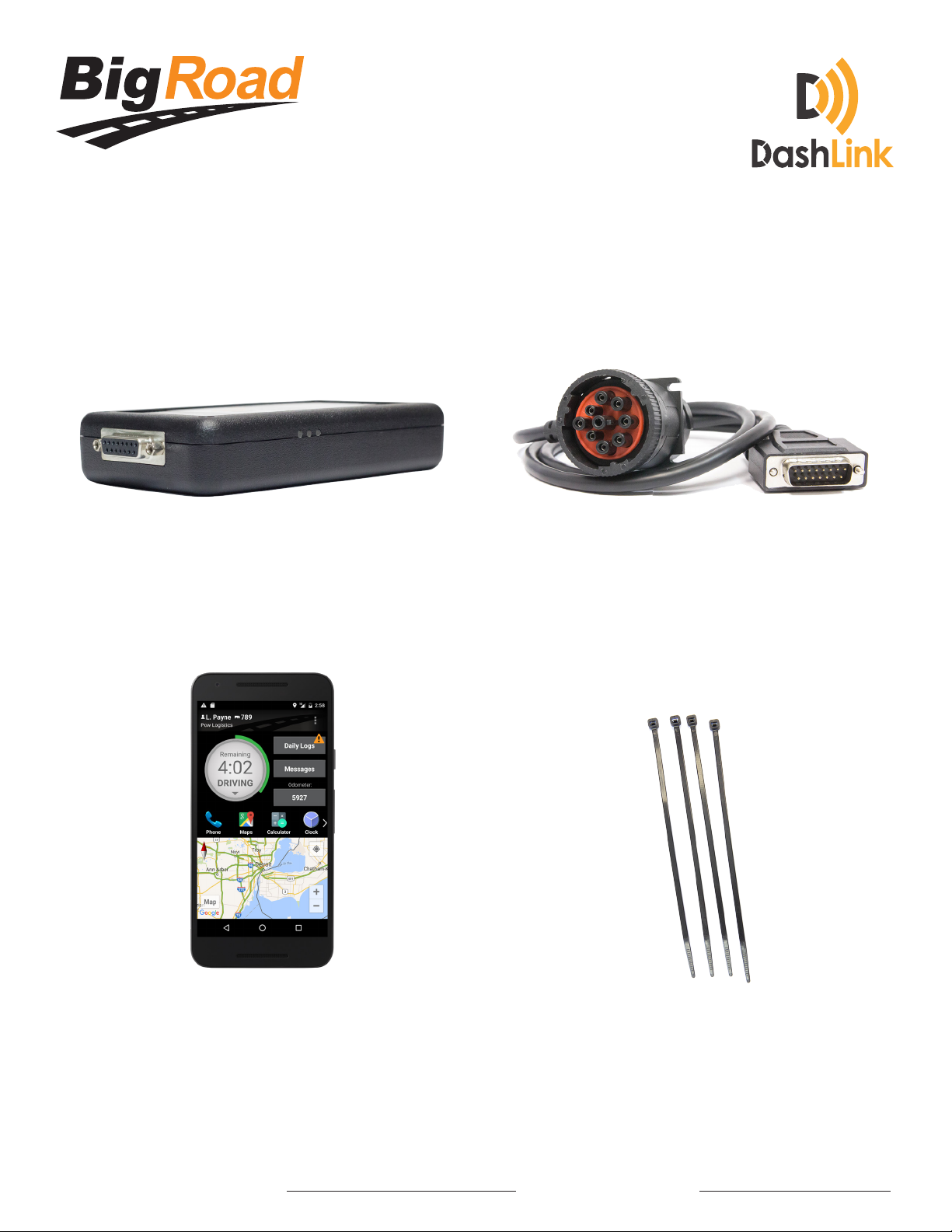
The adapter cable is correctly connected to the DashLink device
The adapter cable is fully connected to the diagnostic port of the vehicle and
the collar is locked (for vehicles with 9-pin or 6-pin diagnostic ports)
You are running the most recent version of BigRoad on your Android device
Bluetooth is enabled on your Android device
Your Android device is plugged into a charger
Ensure the vehicle you are in is properly configured in BigRoad. Have an
admin or dispatcher visit app.bigroad.com/trucks, click on the truck number,
then compare that VIN with the VIN of the vehicle. If the vehicle is configured
with a DashLink Device ID then compare the ID in BigRoad to the ID printed
on the DashLink device.
DashLink Green GPS LED is Flashing
The DashLink built-in GPS can take up to 2 minutes to acquire a signal when first con-
nected to a vehicle. If after 2 minutes, the green GPS LED remains flashing, the Dash-
Link may be mounted too closely to a metal fairing or bulkhead, which is blocking
the signal. Resolving this issue may be as simple as rotating the DashLink so that the
sticker is facing in a different direction.
1
2
3
4
5
6
7
8