-9-
Receiving machine channel-selecting and other special
functions of the the receiver.
* switch frequency display to channel display
1﹜ Turn on the power of the receiving machine: press the power button the LCD
light is bright.
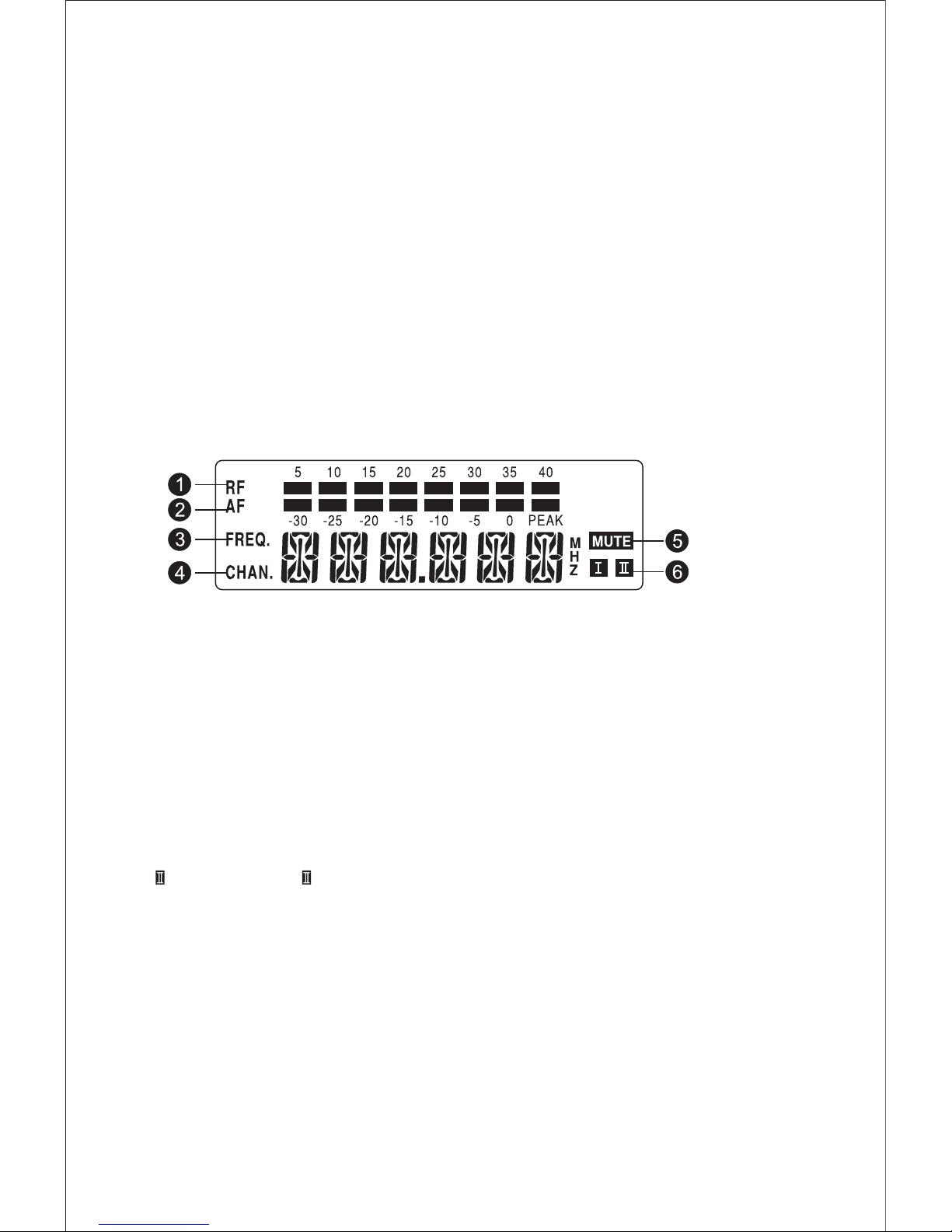
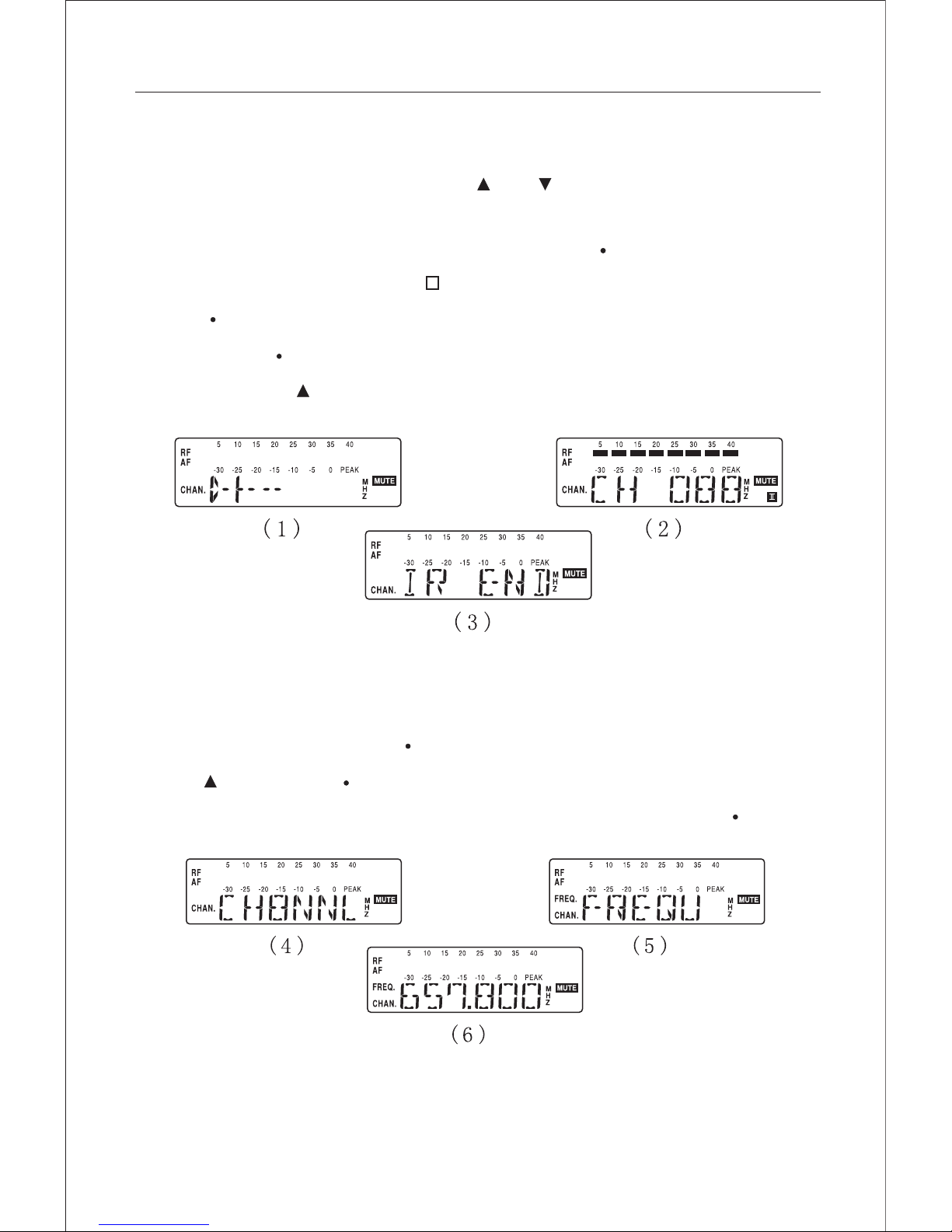
2﹜ Press "SET" continuously for tuile. Show it picture 4
3﹜ Press " " button,apper "picture 3" and flash
4﹜ Press "SET" to ensure. Press it again and than it will let to the situation of frequency
display.
* lock the choosen channel
This locked function can be used when the receiving machine is adjusted.
When the locked function is on, the three function button in the receiving
machine panel would be locked, in order to prevent nonprofessional person(s)
accidentally use.
Operortion steps below:
1﹜ Turn on the power of receiving machine:press the power button,LCD light is bright.
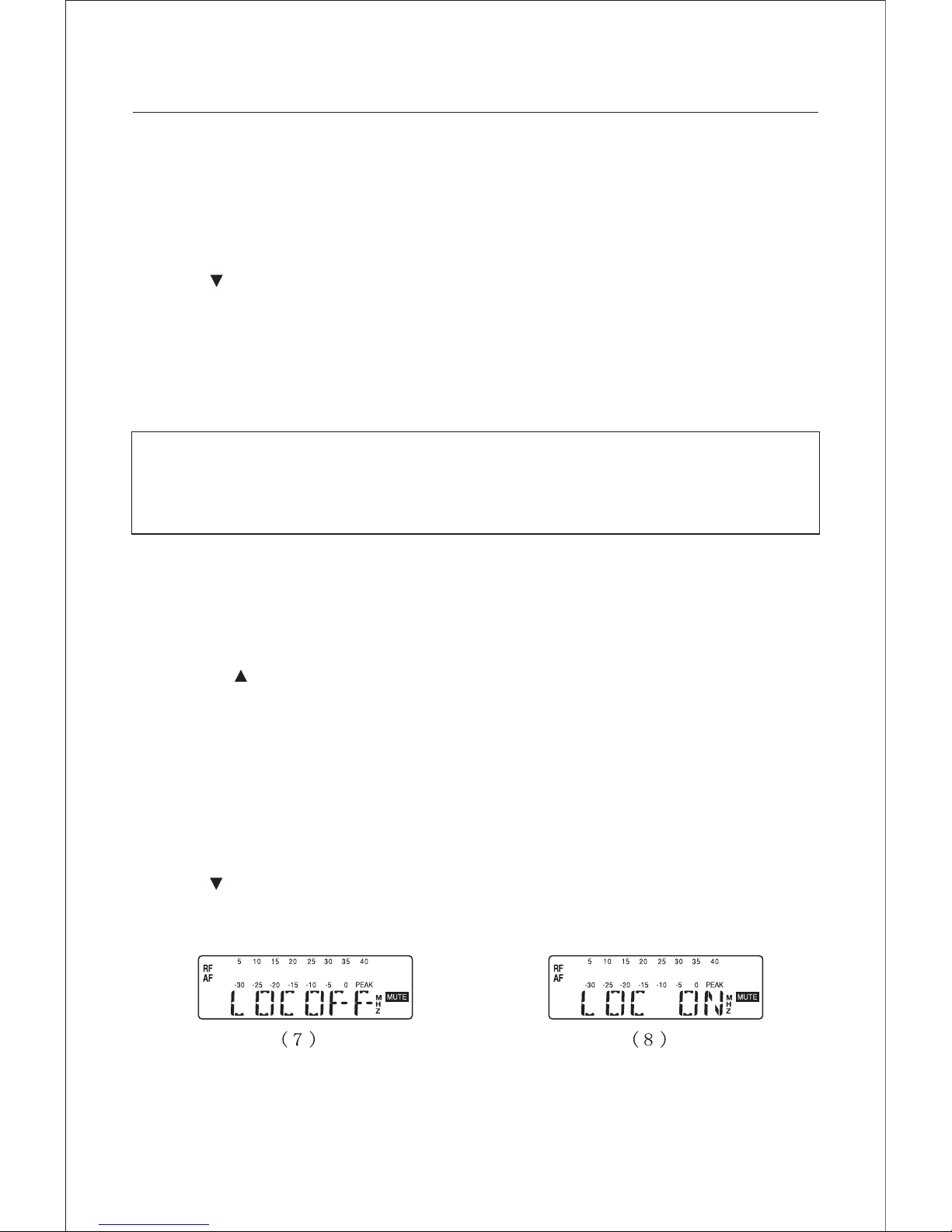
2﹜ Press "SET" continuously for three time, appear like picture 7
3﹜ Press the" " button to ensure and finish the function of locked channel.
* turn off the locked funcation
1﹜ turn on the power of the receiving machine: press the power button and LCD
light is bright
2﹜Press "SET" button for once, appear picture 8
3﹜Press" " button, appear picture T and flash
4﹜Press "SET" to ensure, finish the function of unlocking.