7
2
Notice Symptoms and Solutions
Warning:
Toavoid the riskof electrode and fire, please do not open the subwoofer. A
qualified technician should do malfunction maintenance.
The exclamation pointwithin an equilateral triangle is intended to alert the users of the presence of
important equipment needingcareful protection inside the speakers.
The lightning flashwith arrowhead within an equilateral triangle is intended to alert the users of the
presence of un-insulated"dangerous voltage" within a product's enclosurethat may be of sufficient
magnitude to constitutethe risk ofelectric shock to a person.
READ INSTRUCTION - All safetyand operating instructionsshould be readbefore operating thedigital home
theater system.
HEAD WARNINGS - All warning on the subwoofer and in the operating instruction should be strictly adhered to.
FOLLOWING INSTRUCTION - All operatingand use instructionshould be followed.
CLEANING - Unplugthe subwoofer fromwall outlet orother power sourcesbefore cleaning. Don'tuse liquid
cleaners or aerosolcleaners. Use dampcloth for cleaning.
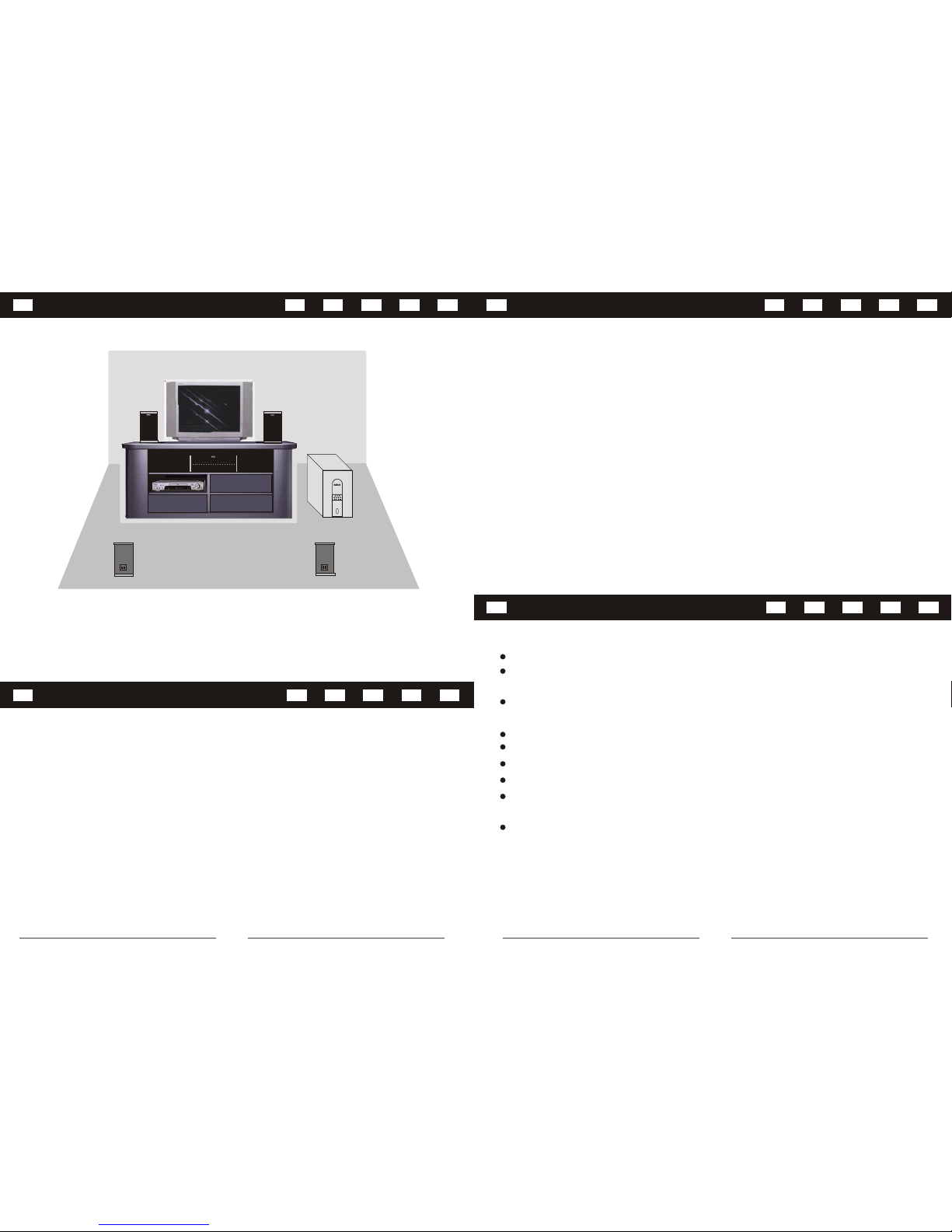
PLACEMENT - Don'tput the subwooferand satellite speakerson an unstabletable or otherobject. The subwoofer
or satellites mayfall, causing seriousinjury to achild or adult.Keep 20cm distancesbetween the soundsleading
pore and shieldingobject to avoidaffecting the soundquality.
WATERAND MOISTURE- Do notuse the subwoofernear water,for example, neara bathtub, washbowl,kitchen
sink, or alaundry tub ornear a swimmingpool.
HEAT -The subwoofer shouldbe situated awayfrom heat sourcessuch as aradiator, heatregister, stoves and
other products thatproduce heat.
POWER SOURCES -The subwoofer shouldbe operated only from the type of power sources indicated on the
marked label. Ifyou are notsure of thetype of powersupply at your home, consult your product dealer or local
power company.
LIGHTNING - Foradded protection forthe subwoofer systemduring a lightning storm or when it's left unattended
and unused forlong periods oftime, please unplugit from thewall outlet. Thiswill prevent damage to the subwoofer
from lightning andpower line surges.
OVERLOADING - Donot overload thewall outlet, extensioncord, or integralconvenient receptacles as this can
result in arisk of fireor electric shock.
OBJECT ANDLIQUID ENTRY -Never push objectsof any kindinto subwoofer throughopenings as theymay touch
dangerous voltage pointor short outparts that couldresult in afire or electricshock. Never spill liquid of any kind
on the subwoofer.
SERVICING - Donot attempt to service the subwoofer yourself as opening or removing covers may expose you to
dangerous voltage orother hazards.
DAMAGE REQUIRING SERVICE- Unplug the subwoofer from the wall outlet or other power source and refer
servicing to qualifiedservice personnel underthe following conditions:
1. When thepower-supply cord orplug is damaged.
2. If liquidhas been spilledor objects havefallen into thesubwoofer.
3. If thesubwoofer has beenexposed to rainor water.
4. If thesubwoofer does notoperate normally byfollowing the operatinginstructions or exhibitsa distinct change in
performance.
5. If theproducts has beendropped or damagedin any way.
REPLACEMENT PARTS - Whenreplacement parts are required, be sure the service technician has used
replacement parts thathave the samecharacteristics as theoriginal parts. Unauthorizedsubstitutions may resultin
fire, electric shockor other hazards.
Important Safety WarningItems:
1.Review theconnection
diagram on theuser's
manual
2.Turn theswitch to 5.1position
3.Turn theDVD player to5.1
channel position
1.Review theconnection
diagram on theuser's
manual
2.Turn theswitch to 2.1
position
3.Adjust thebass volume to
desired output level
1.Remote controlis not pointing
to the remotecontrol receiver
2.Battery isnot installed
correctly or deadbattery
3.Remote controlis too far
away from thesubwoofer
1.Re-plug thepower cord
2.Review theconnection
diagram on theuser's
manual
3.Adjust thevolume to desired
level
1.Power socketis not well
connected
2.Signal cablesare not properly
connected
3.Volume isset to thelowest
No sound when
power on
1.Adjust volumeto proper level
2.Turn downthe volume
1.Volume istoo high
2.Volume fromVCD/DVD is too
high
Distortion of
sound or bass
No 5.1 channel
output
1.Cables arenot connected
correctly
2.2.1/5.1 optionswitch is notin
correct position
3.DVD playeris not installed
correctly
1.Subwoofer inputplug is not
connected
2.2.1/5.1 optionswitch is notin
correct position
3.Bass volumeis set toolow
Remote control
does not work
No sound when
connect to
stereo input (i.e.
CD players, TV)
Solutions
CausesSymptom
No.
1.Point theremote directly to
the subwoofer
2.Check orreplace the battery
3.Operate within8 meters from
the subwoofer
1
2
3
4
5