
Asus AiGuru S1 Manuel utilisateur
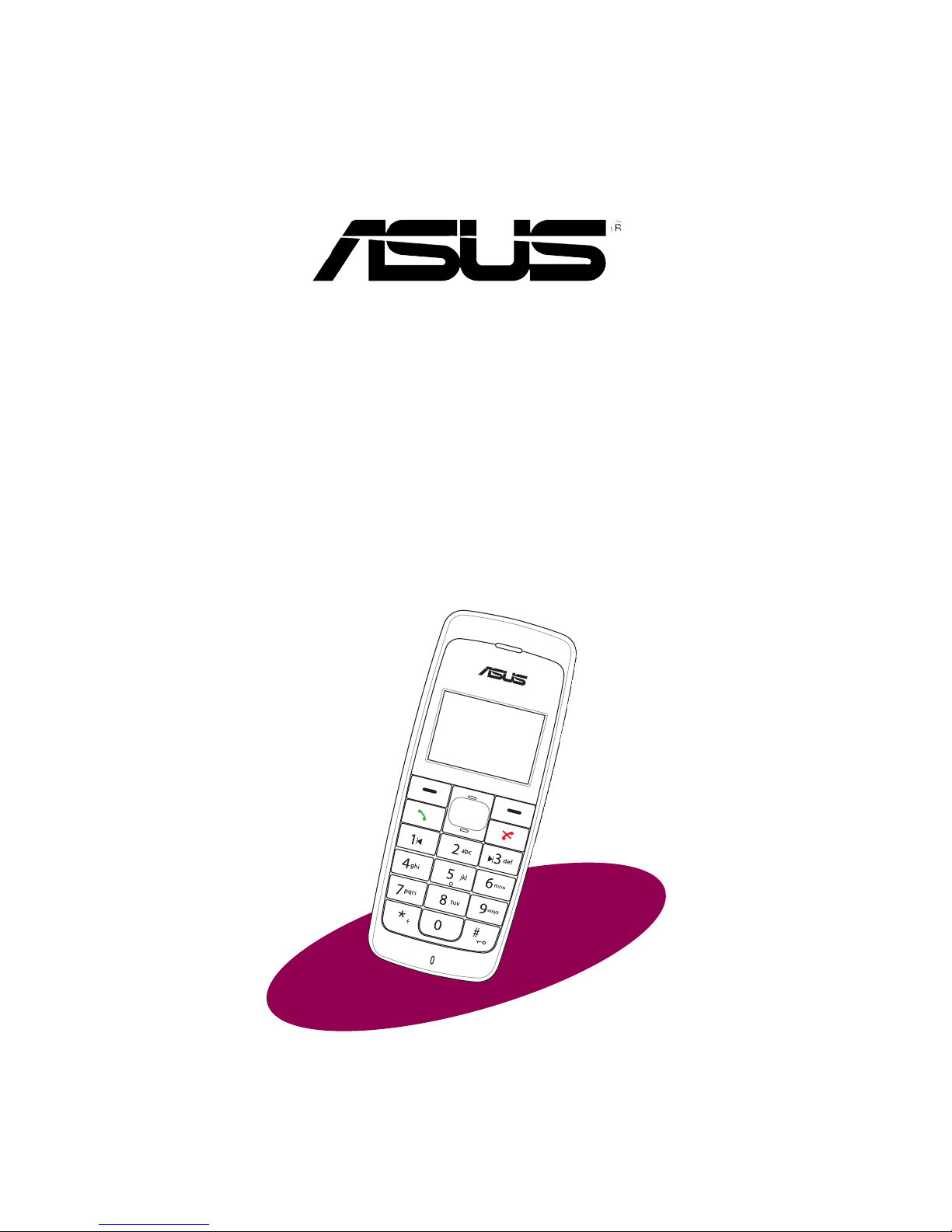
AiGuru S1
Wireless Music Phone

ii
E2406
First edition V1
June 2006
Copyright © 2006 ASUSTeK COMPUTER INC. All Rights Reserved.
No part of this manual, including the products and software described in it, may
be reproduced, transmitted, transcribed, stored in a retrieval system, or translated
into any language in any form or by any means, except documentation kept by the
purchaser for backup purposes, without the express written permission of ASUSTeK
COMPUTER INC. (“ASUS”).
Product warranty or service will not be extended if: (1) the product is repaired,
modied or altered, unless such repair, modication of alteration is authorized in
writing by ASUS; or (2) the serial number of the product is defaced or missing.
ASUS PROVIDES THIS MANUAL “AS IS” WITHOUT WARRANTY OF ANY
KIND, EITHER EXPRESS OR IMPLIED, INCLUDING BUT NOT LIMITED TO
THE IMPLIED WARRANTIES OR CONDITIONS OF MERCHANTABILITY OR
FITNESS FOR A PARTICULAR PURPOSE. IN NO EVENT SHALL ASUS, ITS
DIRECTORS, OFFICERS, EMPLOYEES OR AGENTS BE LIABLE FOR ANY
INDIRECT, SPECIAL, INCIDENTAL, OR CONSEQUENTIAL DAMAGES (INCLUDING
DAMAGES FOR LOSS OF PROFITS, LOSS OF BUSINESS, LOSS OF USE OR
DATA, INTERRUPTION OF BUSINESS AND THE LIKE), EVEN IF ASUS HAS
BEEN ADVISED OF THE POSSIBILITY OF SUCH DAMAGES ARISING FROM ANY
DEFECT OR ERROR IN THIS MANUAL OR PRODUCT.
SPECIFICATIONS AND INFORMATION CONTAINED IN THIS MANUAL ARE
FURNISHED FOR INFORMATIONAL USE ONLY, AND ARE SUBJECT TO CHANGE
AT ANY TIME WITHOUT NOTICE, AND SHOULD NOT BE CONSTRUED AS A
COMMITMENT BY ASUS. ASUS ASSUMES NO RESPONSIBILITY OR LIABILITY
FOR ANY ERRORS OR INACCURACIES THAT MAY APPEAR IN THIS MANUAL,
INCLUDING THE PRODUCTS AND SOFTWARE DESCRIBED IN IT.
Products and corporate names appearing in this manual may or may not be
registered trademarks or copyrights of their respective companies, and are used only
for identication or explanation and to the owners’ benet, without intent to infringe.
iii
Safety precautions
For your safety and to keep your phone in good operating condition, read the following
tips and reminders carefully before using your phone.
Always keep the phone dry and free from dust.
Make sure that the phone is switched off before removing/
replacing the battery.
Refer phone servicing only to qualied personnel.
Use only approved accessories. Do not connect incompatible
products or devices.
Use the phone following the instructions in this user guide.
IMPORTANT: Refer to the Appendix for detailed safety notices.

iv
Table of contents
Safety precautions ........................................................................................iii
About this guide ............................................................................................vii
Conventions used in this guide ...................................................................Viii
Welcome .........................................................................................................ix
Package contents ..........................................................................................xi
System requirements ....................................................................................xii
Specications ................................................................................................xii
Chapter 1: Basic information
1.1 Phone layout..................................................................................1-2
1.2 Battery information .......................................................................1-4
1.2.1 Battery power levels.............................................................1-4
1.2.2 Removing and installing the battery.....................................1-4
1.2.3 Charging the battery ............................................................1-6
1.2.4 Turning the phone on or off..................................................1-8
1.2.5 Locking the keypad..............................................................1-8
1.2.6 Unlocking the keypad...........................................................1-9
1.2.7 Display layout.......................................................................1-10
Chapter 2: Installing and using the AiGuru S1 Utility
2.1 Installing the AiGuru S1 Utility.....................................................2-2
2.2 ConguringtheAiGuru S1 Utility settings ................................2-12
2.2.1 Phone Conguration ............................................................2-13
2.2.2 Displaying phone status.......................................................2-14
2.2.3 Answer Machine Settings ....................................................2-15
2.2.4 Voice Mail.............................................................................2-16
2.2.5 Wi-Fi Music ..........................................................................2-17

v
Table of contents
Chapter 3: Setting up and getting to know
the phone menu
3.1 WiFi Music......................................................................................3-2
3.2 Phone Settings ..............................................................................3-4
3.3 Keypad lock ...................................................................................3-8
3.4 WiFi Status.....................................................................................3-8
3.5 MAC Address .................................................................................3-9
Chapter 4: Using the Skype™features
4.1 Making a call ..................................................................................4-2
4.1.1 Using an entry in the phone book: .......................................4-2
4.1.2 Using the numeric keypad: ..................................................4-3
4.1.3 Terminating a call: ................................................................4-3
4.2 Options during a call.....................................................................4-4
4.2.1 Hold......................................................................................4-4
4.2.2 Loud Speaker.......................................................................4-6
4.2.3 Mute .....................................................................................4-7
4.3 Retrieving recorded Messages ....................................................4-8
4.4 Viewing/clearing the call history..................................................4-9
4.5 Hosting a Skype™ conference call..............................................4-11
4.6 Using the Answer Machine...........................................................4-12
Appendix:...................................................................
Reference information
A.1 Setting PC-cillin™ .........................................................................A-2
A.2 Creating a playlist..........................................................................A-6
A.3 Notices............................................................................................A-9

vi
Table of contents
A.4 Safety statements..........................................................................A-10
A.5 Troubleshooting ............................................................................A-19
A.6 FAQ .................................................................................................A-20
ASUS contact information ............................................................................A-24

vii
About this guide
This user guide contains the information you need to use your AiGuru S1 phone.
How this guide is organized
This user guide contains the following parts:
Chapter 1: Basic information
This chapter describes the phone layout, provides information about the
battery including how to charge it, and basic functions such as locking/locking
the keypad and turning the phone on/off. This chapter also describes the
different layout displays of the phone.
Chapter 2: Installing and using the AiGuru S1 Utility
This chapter provides instructions on how to install the AiGuru S1 utility and
the required device drivers. This chapter also shows you how to congure the
phone and Wireless Link USB dongle.
Chapter 3: Setting up and getting to know the phone menu
This chapter gives you an overview of a desktop and notebook setup, and
helps you navigate through the Phone Menu and change phone settings.
Chapter 4: Using the Skype™ features
This chapter shows you how to use the phone and navigate through the
Skype™ menu
Appendix: Reference information
This chapter describes PC-cillin rewall settings and Windows Media Player
playlist creating, and provides safety notices, an FAQ section, as well as ASUS’
contact information.
viii
Conventions used in this guide
To make sure that you peform certain tasks properly, take note of the following
conventions used throughout this user guide.
NOTE: Tips and information to aid in completing a task.
IMPORTANT: Instructions that you MUST follow to complete a task.
CAUTION: Information to prevent injury to yourself when trying to
complete a task.
WARNING: Information to prevent injury to the unit when trying to
complete a task.
NETWORK DEPENDENT/SUBSCRIBED FEATURE: The phone
feature is network dependent or subscribed.

ix
Subscribed feature. Skype™ is a registered trademark of Skype™
Technologies S.A. and is not in any way connected to ASUSTek
Computer, Inc. To create an account, download the Skype™ program,
and know more about this program, visit www. skype.com.
Welcome
Thank you for choosing the ASUS AiGuru S1 Wireless Music Phone Kit. It will
allow you to make phone using your broadband connection. This Phone is specially
designed to facilitate the manipulation of the service and features provided by SkypeTM.
What is SkypeTM
SkypeTM is free and simple software that enables you to make free calls anywhere in
the world in minutes. If you are tired of paying outrageous fees for telephony, SkypeTM
is for you!
SkypeTM is quick and easy to install. Just download it, register, and within minutes you
can use the ASUS AiGuru S1 Wireless Music Phone to call your friends on SkypeTM.
SkypeTM calls have excellent sound quality and are highly secure with end-to-end
encryption. Best of all, SkypeTM does not require you to recongure your rewall or
router - it just works! SkypeTM is a registered trademark of Skype Technologies S.A.
and all rights related to it are reserved. It is not in any way connected to ASUSTek
Computer, Inc. To create an account, download the SkypeTM program, and know more
about this program, visit www.skype.com.
“Get AiGuru S1 Phone convenience when you use SkypeTM!
Now you do not have to sit in front of your computer when you want to talk to your
friends. With the Skype application running on your PC, the handset can read and
display your contact list on its built-in illuminated display. Just choose who you want to
talk to from the menu, press a button, and get ready to talk.

x
Of course, the handset supports SkypeOutTM dialing as well as your Skype contact list.
The handset rings when you have a SkypeTM or SkypeInTM call coming in, and shows
the caller’s ID on the screen. You can hit the Mute button for privacy, or use the loud-
speaker function to let everyone join in. You can put an existing call on hold and allow
callers to leave a message on the answer machine, and retrieve voice mail with ease.
In short, the ASUS AiGuru S1 Wireless Music Phone Kit gives you all the
functionality of a regular phone, through SkypeTM. You get the convenience of a
wireless phone and all its features, plus the high-quality voice reception that you get
from SkypeTM on your PC, without being tied to your computer
Autres manuels pour AiGuru S1
2
Table des matières
Autres manuels Asus Téléphone IP


