
Asterisk AsReader ASR-023B Guide de l'utilisateur

AsReader® is registered trademarks of Asterisk Inc.
The contents of this manual are subject to change without notice.
Scan Module Setup
Manual
ASR-023B

ASR-023B Scan Module Setup Manual
ASTERISK, INC.
1
Revision History
VERSION
DESCRIPTION
REVISED BY
DATE
V1.0
Initial version
Trinity Liu
2020/07/01

ASR-023B Scan Module Setup Manual
ASTERISK, INC.
2
Contents
1
!Basic Information 6!
1.1.!Factory Default Configuration 6!
1.2.!Save Current Configuration as Default 7!
1.3.!Default Configuration 8!
1.4.!Open/ Close the Parameter Code 8!
2
!Trigger Mode 9!
2.1.!Manual mode 9!
2.2.!Continuous Mode 9!
2.3.!Automatic Induction Mode 10!
2.3.1.!Stability of Induction Time 10!
2.3.2.!Sensitivity Level 11!
2.4.!Duration in Scanning 11!
2.5.!Output Interval of the Same Code 12!
2.6.!Quick set for output Interval of The Same Code 12!
3
!Floodlight and Positioning Lights 14!
3.1.!Floodlight 14!
3.2.!Positioning Light 15!
4
!Output and Prompt 17!
4.1.!Transmit “No Read” Message 17!
4.2.!Letter Case Conversion 18!
4.3.!Data Encoding Format 19!
5
!Data Edit 20!
5.1.!Code ID 20!

ASR-023B Scan Module Setup Manual
ASTERISK, INC.
3
5.2.!Termin a t o r 21!
5.3.!Add Prefixes/ Suffixes 22!
5.4.!Add Multiple Prefixes/ Suffixes 24!
5.5.!Hide Data 26!
5.5.1.!Hide Head Data 26!
5.5.2.!Hide Intermediate Data 27!
5.5.3.!Hide Tail Data 28!
6
!Barcode Enable/ Disable 30!
6.1.!1D Barcode Master Switch 30!
6.2.!2D Barcode Master Switch 31!
6.3.!UPC-A 31!
6.4.!UPC-A Additional Codes 32!
6.4.1.!UPC-A 2 Additional Codes 32!
6.4.2.!UPC-A 5 Additional Codes 32!
6.4.3.!UPC-A Additional Code Reading 33!
6.5.!UPC-E 33!
6.6.!UPC-E Additional Codes 34!
6.6.1.!UPC-E 2 Additional Codes 34!
6.6.2.!UPC-E 5 Additional Codes 35!
6.6.3.!UPC-E Additional Code Reading 35!
6.7.!UPC-E Transfer to UPC-A 36!
6.8.!UPC-A Transfer to EAN-13 36!
6.9.!EAN-8 37!
6.10.!EAN-8 Additional Codes 37!
6.10.1.!EAN-8 2 Additional Codes 37!
6.10.2.!EAN-8 5 Additional Codes 38!
6.10.3.!EAN-8 Additional Code Reading 38!
6.11.!EAN-13 39!
6.12.!EAN-13 Additional Codes 40!
6.12.1.!EAN-13 2 Additional Codes 40!
6.12.2.!EAN-13 5 Additional Codes 40!
6.12.3.!EAN-13 Additional Code Reading 41!
6.13.!CODE 128 41!
6.14.!GS1-128 42!
6.15.!ISBT-128 42!

ASR-023B Scan Module Setup Manual
ASTERISK, INC.
4
6.16.!Interleaved 2 of 5 43!
6.16.1.!Set Lengths for Interleaved 2 of 5 43!
6.17.!Matrix 2 of 5 44!
6.17.1.!Set Lengths for Matrix 2 of 5 44!
6.17.2.!Transmit Matrix 2 of 5 Check Bit 45!
6.18.!Industrial 2 of 5 45!
6.18.1.!Set Lengths for Industrial 2 of 5 45!
6.19.!Standard 2 of 5 46!
6.19.1.!Set Lengths for Standard 2 of 5 46!
6.19.2.!Transmit Standard 2 of 5 Check Bit 47!
6.20.!Code 39 48!
6.20.1.!Code39 Length 48!
6.20.2.!Code39 Check Bit 48!
6.20.3.!Transmit the Start and Ending Symbol of Code 39 49!
6.21.!Code 39 Full ASCII 49!
6.22.!Code 32 50!
6.22.1.!Code32 Add Prefix A 50!
6.23.!Code 93 51!
6.24.!Code 11 51!
6.24.1.!Transmit Check Bit 52!
6.25.!Codabar 52!
6.26.!PLESSEY 53!
6.27.!MSI 54!
6.27.1.!Length 54!
6.28.!GS1-Databar 54!
6.29.!ITF14 55!
6.30.!GS1 Composite Code 56!
6.31.!QR Code 56!
6.31.1.!Read Reverse CR Code 57!
6.32.!Data Matrix 57!
6.32.1.!Read Reverse Data Matrix 58!
6.33.!PDF 417 58!
6.33.1.!Read Reverse PDF417 59!
6.34.!Aztec Code 59!
6.35.!Maxi Code 60!
6.36.!Hanxin Code 60!

ASR-023B Scan Module Setup Manual
ASTERISK, INC.
5
Appendix 1: Numeric Barcodes 62!
Appendix 2: Cancel 64!
Appendix 3: Code ID 65!
Appendix 4: Character Comparison Table 66!
ASR-023B Scan Module Setup Manual
ASTERISK, INC.
6
1
Basic Information
Note: some of the settings in this setup manual may temporarily invalidate all the setting
barcodes in the product user manual. For example, letter case conversion settings, or
some barcode terminator settings, etc. The recovery method is very simple, just unsetting
the scan module settings that caused the failure.
1.1. Factory Default Configuration
Communication Mode: USB
Trigger Mode: Manual mode
Termi nator: CR
Factory default configuration
Note: After scanning the "Factory Default Configuration" barcode, the device may not
be able to scan. In this case, you need to scan the following four barcodes in turn to
make the device work properly.

ASR-023B Scan Module Setup Manual
ASTERISK, INC.
7
TTL 232
* 9600bps
* No parity
*1 stop bit
1.2. Save Current Configuration as Default
The user can set the required configuration , and then scan the following barcode,
Save current configuration as default
Save current configuration as default

ASR-023B Scan Module Setup Manual
ASTERISK, INC.
8
1.3. Default Configuration
When the user has set the default settings, scan the following barcode to restore the
original set of customer configurations
Default configuration
1.4. Open/ Close the Parameter Code
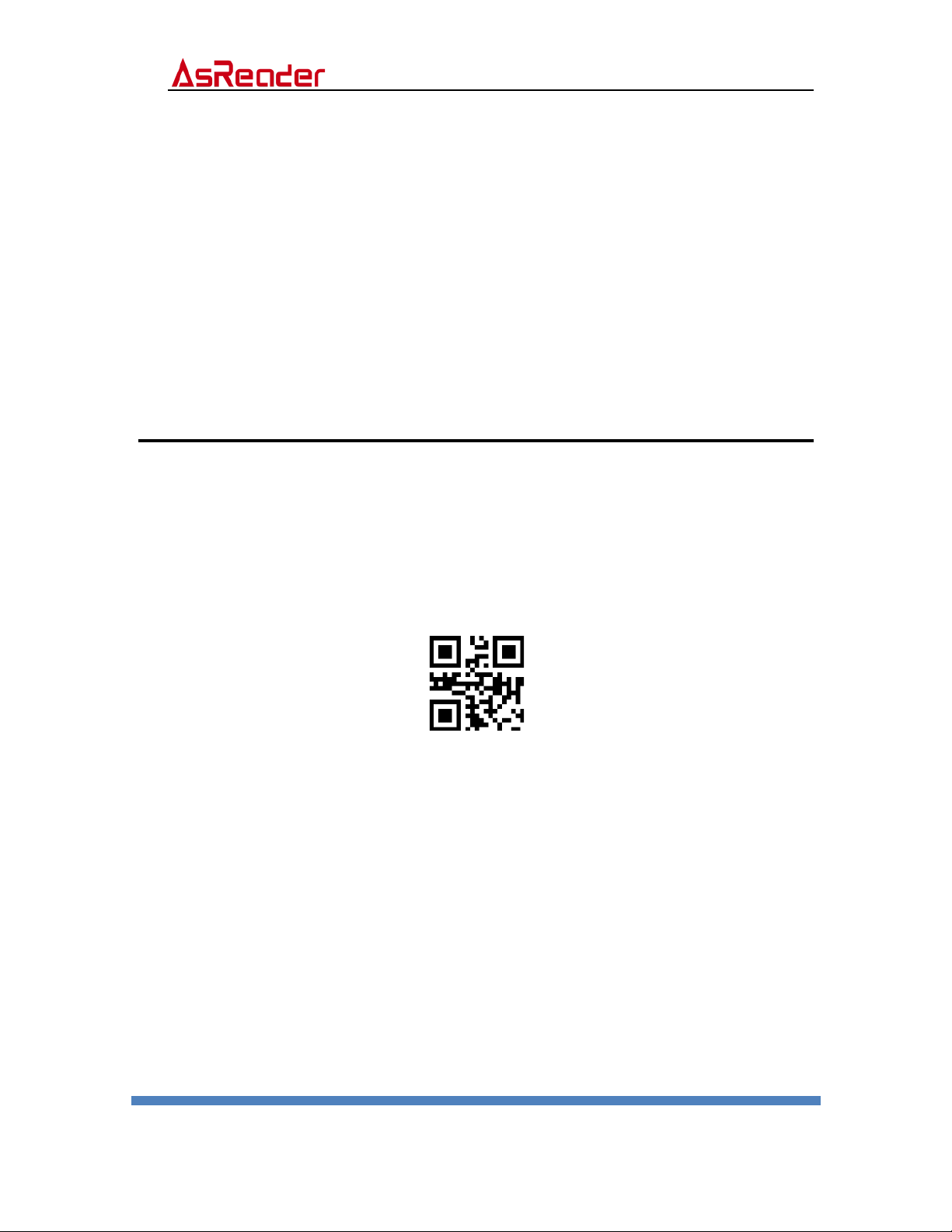
Note: When you want to set parameters by scanning parameter codes, please scan
the following QR code “Open parameter code first to enable this function.
*Open parameter code
Close parameter code
ASR-023B Scan Module Setup Manual
ASTERISK, INC.
9
2
Trigger Mode
2.1. Manual mode
Detects the change of the button level (Maintain 30ms) to start reading. The reading
will be stopped once reading successfully or time out.
*Manual mode-Single key trigger
2.2. Continuous Mode
The reading engine performs continuous work. Reading successfully or timeout will
end the reading. Once reading successfully for timeout, it will automatically trigger the
next reading not controlled by the trigger button.
The interval time between two readings in continuous mode is 1 second.
Table des matières
Manuels Lecteur de codes-barres populaires d'autres marques

POSMicro
POSMicro Datalogic PowerScan D7100 Manuel utilisateur

Marson
Marson MT780 Guide de configuration rapide

NCR
NCR RealPOS Manuel utilisateur

Motorola
Motorola SE3300 Guide de configuration rapide

Element
Element P130BT Manuel utilisateur

Motorola
Motorola Symbol LS3008 Manuel d'installation et d'exploitation


