Anywhere Cart AC-STAND Manuel utilisateur

Back Plate
Mounting Strips
USER GUIDE
AC-STAND
INTERACTIVE FLAT PANEL STAND / CART
The AC-STAND is designed to fit interactive flat panel displays up to 86 inches.
Please review this guide to learn how to safely use your product.
© 2020 Anywhere Cart | 42035 Zevo Drive, Temecula CA 92590, USA | 888-650-4488 | www.AnywhereCart.com
5/11/20
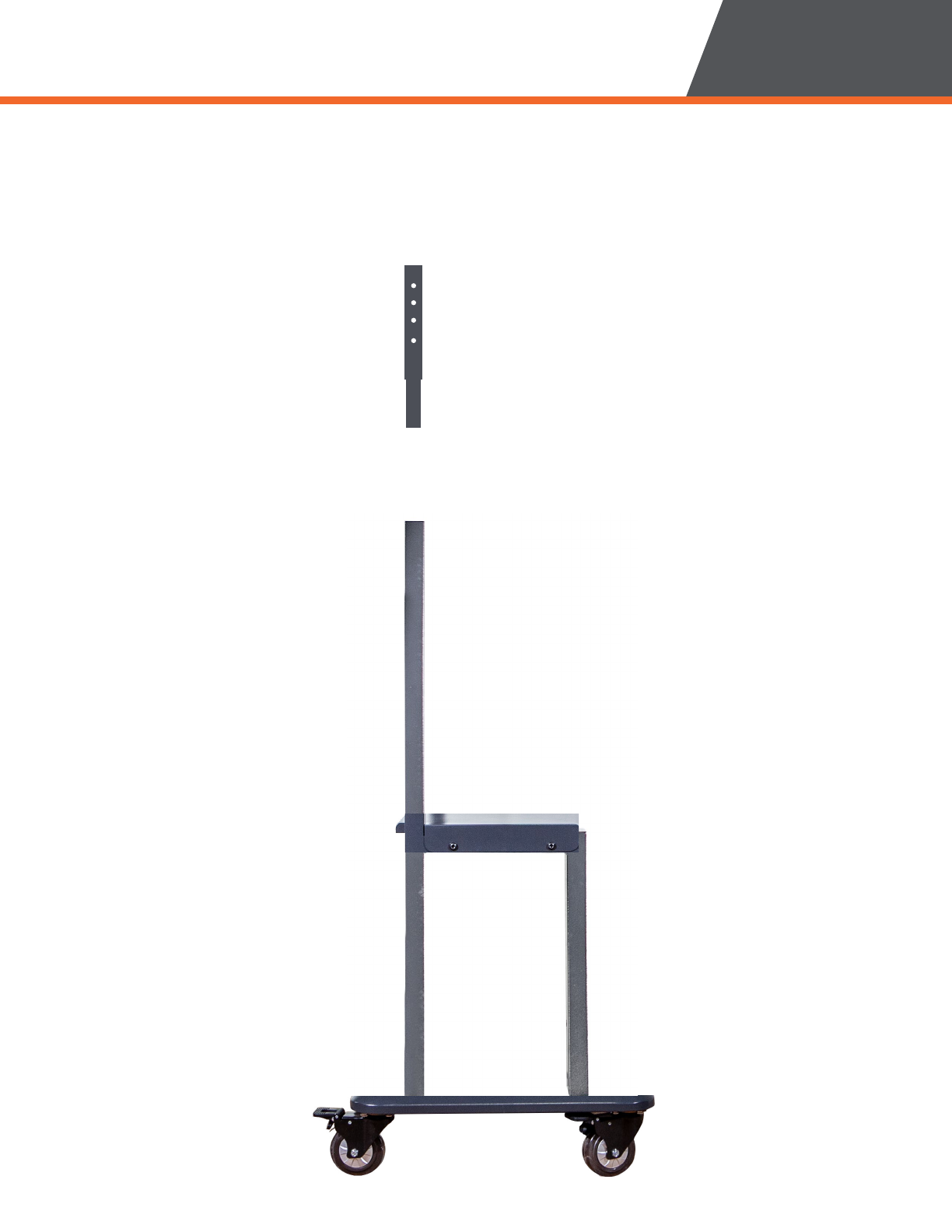
Middle Shelf
Uprights
➎➎ Directional Caster Wheels (orange)
➏➏ Brake/Lock Caster Wheels (black)
➎➎
➏➏

For warranty claims, please have the
following information ready, then visit
www.anywherecart.com/support
to create a help ticket.
Serial Number:
________________________________
Date Of Purchase:
________________________________
Reseller Name:
________________________________
PO Number:
________________________________
• THIS IS NOT A TOY. CHILDREN SHOULD NEVER
MOVE OR CLIMB THE CART!
• ONLY ADULTS should move the cart.
• NEVER climb, sit on or tilt the cart.
• ALWAYS move the cart slowly and be aware
of your surroundings.
• ALWAYS latch doors before moving the cart.
• DO NOT use the power cord to pull the cart.
• DO NOT roll the cart over the power cord.
• DO NOT touch any part of the electrical system
while plugged in.
• DO NOT place liquids on or near the cart.
• DO NOT use an extension cord with this unit.
• DO NOT plug in the cart if the switch, receptacles,
or power cord are broken, cracked, torn or
inadequately repaired.
• Repairs should always be performed by a qualified
electrician.
• Set the power switch to the OFF position before you
unplug the unit from the wall, plug the unit into the
wall, or plug in devices.
• If external devices are set on top of the cart,
remove them before rolling cart around.
WARNING
ALWAYS FOLLOW SAFETY PRECAUTIONS.
DO NOT REMOVE THIS DECAL.
Failure to read, thoroughly understand,
and follow all instructions can result
in serious personal injury, damage
to equipment, or voiding of factory
warranty. It is the installer’s responsibility
to make sure all mounting systems are
properly assembled and installed using
the instructions provided.
Failure to provide adequate structural
strength for this mounting system
can result in serious personal injury
or damage to equipment. It is the
installer’s responsibility to make sure the
structure to which this mounting system
is attached can support the combined
weight of all equipment.
Exceeding the weight capacity can
result in serious personal injury or
damage to equipment! It is the installer’s
responsibility to make sure the combined
weight of all accessories and components
attached to the cart does not exceed 200
lbs (90.7 kg). Use with heavier televisions
may result in instability causing tip over
resulting in death or serious injury.
Use this mounting system only for its
intended use as described in these
instructions. Do not use attachments not
recommended by the manufacturer.
Never operate this mounting system if it
is damaged. Return the mounting system
to a service center for examination and
repair.
© 2020 Anywhere Cart | 42035 Zevo Drive Temecula, CA 92590 | 888-650-4488 | www.AnywhereCart.com
2

USER GUIDE
© 2020 Anywhere Cart | 42035 Zevo Drive Temecula, CA 92590 | 888-650-4488 | www.AnywhereCart.com 3
REMOVING FROM BOX
➊➊Remove the strapping with scissors or plier cutters. Do not use a box cutter.
➋➋Lift and Remove the top cardboard lid.

USER GUIDE
© 2020 Anywhere Cart | 42035 Zevo Drive Temecula, CA 92590 | 888-650-4488 | www.AnywhereCart.com
4
Your Stand arrives in 1 box and contains 4 layers for ease of assembly.
REMOVING FROM BOX
Layer 1
Layer 2

USER GUIDE
REMOVING FROM BOX
© 2020 Anywhere Cart | 42035 Zevo Drive Temecula, CA 92590 | 888-650-4488 | www.AnywhereCart.com 5
Layer 3
Layer 4

USER GUIDE
© 2020 Anywhere Cart | 42035 Zevo Drive Temecula, CA 92590 | 888-650-4488 | www.AnywhereCart.com
6
Carefully remove all parts from box
Locate the bag of hardware as this will be needed throughout the installation.
Lay parts out on a flat surface (see below)
Ensure no parts are missing
IDENTIFYING PARTS
Base with Casters
Right Upright
(holes face out)
Middle Shelf
Backplate
Right Mounting Strip
Hardware & Tool
Left Upright
(holes face out)
Left Upper Pillar
Left Mounting Strip
Right Upper Pillar

USER GUIDE
ASSEMBLY
© 2020 Anywhere Cart | 42035 Zevo Drive Temecula, CA 92590 | 888-650-4488 | www.AnywhereCart.com 7
Place the Base on a flat surface.
Find the Uprights and ensure the holes are on the outside.
SlideSlide both left and right Uprights into the Base’s posts.
Loosely fit the screws connecting the left and right uprights to the base of the stand.
Do not fully tighten hardware at this point.
66
Holes on the outside

USER GUIDE ASSEMBLY
© 2020 Anywhere Cart | 42035 Zevo Drive Temecula, CA 92590 | 888-650-4488 | www.AnywhereCart.com
8
➍➍Find the Middle Shelf.
➎➎SlideSlide it in place so the notches are toward the long (back) edges of the Uprights.
➏➏ Loosely fit the screws on the outside of the left and right uprights to connect the
middle shelf. Do not fully tighten hardware at this point.
6

USER GUIDE
ASSEMBLY
© 2020 Anywhere Cart | 42035 Zevo Drive Temecula, CA 92590 | 888-650-4488 | www.AnywhereCart.com 9
➐➐Find the Left and Right Upper Pillars
➑➑FitFit them into the Uprights so the 4 holes are facing the sides.
➒➒Loosely fit the screws connecting the left and right upper pillars to the uprights.Loosely fit the screws connecting the left and right upper pillars to the uprights.
Do not fully tighten hardware at this point.Do not fully tighten hardware at this point.
6

USER GUIDE ASSEMBLY
© 2020 Anywhere Cart | 42035 Zevo Drive Temecula, CA 92590 | 888-650-4488 | www.AnywhereCart.com
10
➓➓Find the Backplate
⓫⓫ Facing the back of the stand, FitFit the Backplate onto the Uprights
so the post slides are facing you.
⓬⓬ Loosely fit the screws connecting the backplate onto the upper pillars.
Do not fully tighten hardware at this point.
66
Table des matières