
Advancing Alternatives Aegis Tec Manuel utilisateur
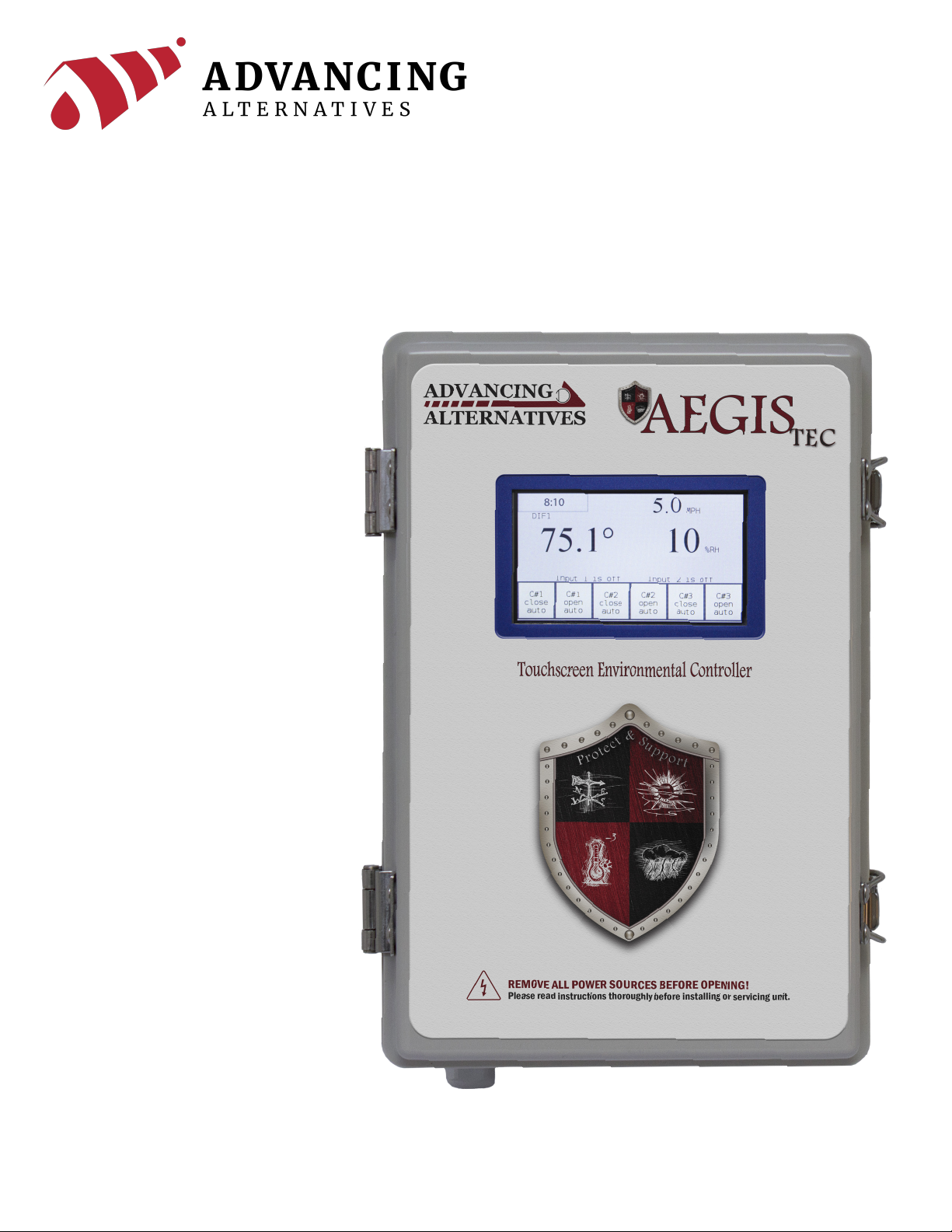
User Manual

INTRODUCTION
Freestanding Greenhouse Application
Main Features
Thank you for purchasing the Aegis Tec environmental controller. The Aegis Tec is designed for
ease of installation and operation, as well as addressing the unique challenges of greenhouse
environmental control. The system can coordinate and control ventilation curtains, light deprivation
curtains, heaters and fans.
The Aegis Tec touchscreen environmental controller is ideal for the greenhouse grower that desires
many of the features and sophistication of more expensive environmental controllers. Designed
for a single zone or freestanding greenhouse, the Aegis Tec can coordinate a variety of growing
techniques and system overrides. This manual’s purpose is to assist you in utilizing the controller to
its fullest potential, for your specic application.
• Two timed set-point overrides.
• DIF growing technique capable.
• Light Deprivation capable.
• Friendly touchscreen interface.
•Staged ventilation.
• Wind speed override option.
• Humidity override option.
• Rain override option.
• Battery backed clock.
• 6 relay outputs (three vent motor capability as standard).
• Dry contact control for heaters or fans.
•Manual overrides.
2

WARNING
3

CONTENTS
1.
2.
3.
4.
5.
Locating the Controller .................................................................................................. 5
Locating & Connecting the Temperature sensor........................................................ 5
Connecting the Ventilation Motors............................................................................... 6
Connecting the Humidity Sensor ................................................................................. 7
Connecting the Fans ...................................................................................................... 8
Connecting the Heaters ................................................................................................ 9
Connecting the Anemometer ..................................................................................... 10
Connecting the Rain Sensor ....................................................................................... 11
General Overrides......................................................................................................... 13
Relay Overrides ............................................................................................................. 13
DIF................................................................................................................................... 14
System Status View ...................................................................................................... 12
Setting the Clock ........................................................................................................... 12
Conguration Setup .................................................................................................... 15
Zone Parameter Setup ................................................................................................ 17
Installation
Overrides
Main Screen
Conguration
System Settings
4

INSTALLATION
5
Locating the Aegis Tec
Locating the Temperature Sensor
Connecting the Temperature Sensor
Consider the following before installing the Aegis:
• Protect the enclosure from moisture—mount it in a secure and dry place.
• Important: Only drill holes in the bottom of the enclosures.
• Drilling holes into the top or sides of the enclosure voids the warranty.
• Secure using the included mounting brackets and properly sized screws or bolts.
Place the temperature sensor in the middle of the structure and at a height that best represents
the average temperature at crop level.
Keep the sensor wire away from high voltage wire by at least 1 foot.
Connect the temperature sensor to sensor #1 terminals. The temperature sensor has two wires.
Either wire can be connected to either terminal as long as they are both secured to the proper
location.

6
INSTALLATION
Connecting the Low Voltage Ventilation Motors
The Aegis Tec includes a 10 amp, 24VDC motor supply. It is prewired to run multiple DC ventilation
motors. Each motor is protected by a 5 amp circuit breaker.
Replacing the 5 amp circuit breakers
with those of a larger amp rating will void the motor warranty.
Connect motors directly to the board as shown. Test motor’s direction of operation. If the motor runs
in the closing direction when it should be opening, reversing the wires at the terminals will reverse
the direction of the motor.

7
INSTALLATION
Connecting the Humidity Sensor
Place the humidity sensor in the middle of the structure and at a height that best represents the
average temperature at crop level.
Keep the sensor wire away from high voltage wire by at least 1 foot.
Connections:
1. The blue wire connects to Power 24v+
2. The black wire connects to Sensor #2

8
INSTALLATION
Connecting the Fans
Below is an image showing the connection of two fans to the controller.
The controller sends an operation signal to the fans. The fans are powered independently of the
controller. Do not connect 110VAC to the controller terminals.

9
INSTALLATION
Connecting the Heaters
Below is an image showing the connection of two heaters to the controller.
The controller sends an operation signal to the heaters. The heaters are powered independently of
the controller. Do not connect 110VAC to the controller terminals.

10
INSTALLATION
Connecting the Anemometer
The anemometer is used to close curtains in high wind conditions.
Connections:
The red wire connects to 24v+
The white wire connects to Input#2
The black wire connects to Negative/0V
Table des matières


