PDK-15088-v.2.0 Connect Intercom User Manual.docx
page 3
1About this manual
This manual provides a guide to the installation and maintenance of the
Connect Intercom terminal. For local languages and full engineering manual,,
please visit our website.
2Target group
This manual is intended to provide assistance to engineers installing and
maintaining the Connect Intercom terminal at customer sites.
3Introduction
3.1 Presentation of Connect Intercom
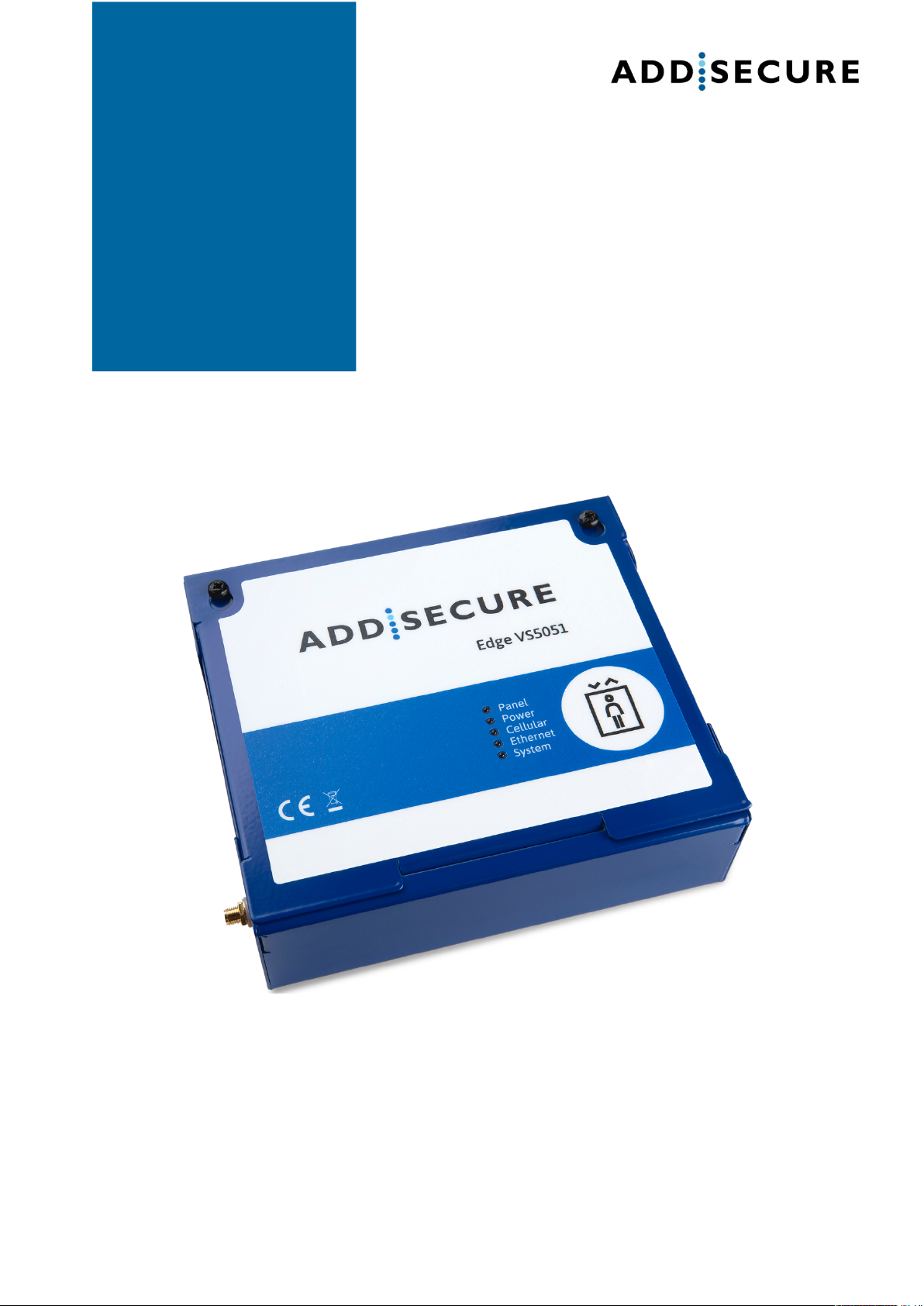
Connect Intercom is a managed service solution for your door intercom
system. It uses either an Edge VS5051 terminal or an Edge VS5010 terminal
installed adjacent to and connected to a new or existing door intercom. It
provides a replacement IP telephony service using Session Initiation
Protocol (SIP) for existing telephony that uses PSTN or ATA technology.
PSTN telephony services have no monitoring capability. However, Connect
Intercom provides the possibility for the customer to monitor performance
themselves using the AddSecure AddView application.
Connect Intercom is easy to install and no additional configuration of the
system is required after activation because it is setup through AddSecure
Connect.
3.2 Presentation of Addsecure connect
AddSecure Connect is a cloud-based platform from AddSecure that manages
secure and controlled transmissions, for example, alarms, for Fire, Intruder,
Elevator, Technical and other alarms. The platform simplifies setting up
terminals and complying with regulations for the installer, the customer and
alarm receiving centres, (ARCs). AddSecure Connect is perfect for every
situation where monitored communication is desired, as well as when there is
a need for controlled remote access to external devices.
AddSecure Connect also includes the AddView web portal which allows both
customers and installers to monitor different installations and for setting up
notification services.
Addsecure can remotely analyse and setup an installati over AddSecure
Connect if required. You can read more about AddSecure Connect on
www.addsecure.com.
4Before you start
Ensure that a subscription to AddSecure Connect exists for this terminal before
starting the installation. If you or the customer do not already have one, please
contact AddSecure.