ACN FW Manuel utilisateur

1
Home & Business Phone
Features User Guide

2
Welcome to ACN’s
Home and Business
Phone Features
This guide will help you use your phone features and
discover what they can do for you.
You now have some great features available on your phone,
ready to use*. These include Call Waiting, Call Return, Call
Forward Immediate, Call Forward No Answer, Call Forward
Busy, 3-Way Chat and Call Back.
*Available on tone phones in most areas. Applicable feature and usage charges
may apply.

3
What’s Inside
Avoid Missing Important Calls 4
Calling Made Easy 11
Who’s Calling? 12
Fast Dialling 16
Managing Your Calls 17
Customer Service 19
Welcome to ACN’s
Home and Business
Phone Features

4
Avoid Missing Important Calls
Call Waiting
No need to miss an important call just because you’re on the phone. The Call
Waiting tone (two beeps every ve seconds) lets you know that there’s a call
waiting to be answered.
How do I use it?
To turn Call Waiting on
To turn Call Waiting o
To turn Call Waiting o when using the Internet or sending a fax
Store *4 4 on the front of your Internet dial up number or fax number.
To check if Call Waiting is on or o
To answer the incoming call when already on a call or switch
between calls
To hang up one call and return to the other
To reject the incoming call when already on a call
Anything else I need to know?
Call Waiting is turned on and available to use for most new ACN connections.
Once it’s on, it stays on unless you switch it o, but it won’t work during a
3-Way Chat.
Call Return
Find out the number of your last unanswered call (except for
blocked numbers).
How do I use it?
To retrieve the number of your last unanswered call
*
# #1 43AnnouncementDial ToneFollow Prompts or
# ##1 43Announcement
Dial Tone
Follow Prompts or
#44
2
Dial Tone
Recall
1
Dial Tone
Recall
0
Dial Tone
Recall
0 #1
*
#1 # #
43AnnouncementDial Toneor *

5
Anything else I need to know?
Call Return is available to use on tone phones in most areas of Australia, but
is not available for blocked calls.
Applicable usage charges and normal call charges apply if you return the call.
Call Forward Immediate
Forward your home or oce number to your mobile phone.
How do I use it?
To immediately forward all incoming calls
To turn Call Forward Immediate o for all incoming calls
Anything else I need to know?
Call Forward Immediate is available to use on your phone now. It overrides
all other Home Phone and Business Phone Features except Call Forward
Selected Callers.
Charges apply for forwarded calls.
Call Forward Busy
When your phone is‘busy’, calls can be forwarded to most numbers
in Australia.
How do I use it?
To forward all incoming calls on busy
To turn Call Forward Busy o
To check if Call Forward Busy is on or o
Anything else I need to know?
Call Forward Busy is available to use on your phone now.
Charges apply for forwarded calls.
2Phone Number
#1 #
4
Follow Prompts or *
#Announcement
2#1 # 4
Follow Prompts or *
# 2#1 #
4
Follow Prompts or
2Phone Number
#1 1 #
Follow Prompts or *
2#1 1# #
Follow Prompts or

6
Call Forward No Answer
When your phone is not answered, calls can be forwarded to most numbers
in Australia.
How do I use it?
To forward all incoming calls when there is no answer
To set the destination and‘time in seconds’ before the call is forwarded
To turn Call Forward No Answer o
To check if Call Forward No Answer is on or o
Anything else I need to know?
Call Forward No Answer is available to use on your phone now. Default is 20
seconds (approximately 7 rings) before a call will be forwarded. Can be set
from 5 to 60 seconds. Charges apply for forwarded calls.
Call Forward Selected Callers
Set-up a‘Selected Callers List’containing up to 15 phone numbers to be
forwarded to another number.
How do I use it?
To turn Call Forward Selected Callers on
To turn Call Forward Selected Callers o
To check if Call Forward Selected Callers is on or o
To set-up an entry in your‘Selected Callers List’
61##1 #
Follow Prompts or
6Phone Number
1 ##1 Follow Prompts or *
92 #
*
Announcement
*#92 #
#92 #
#
Forwarding Destination Phone Number
Announcement
Announcement
7PIN Announcement Announcement
48
* *
*
List Position Caller’s Phone Number *
Announcement
*
61# Announcement
#1 #
Follow Prompts or *
6Phone Number
Time in Seconds
#1
#
1
Follow Prompts or **

7
To check what number is in a particular position in your‘Selected
Callers List’
To remove a number from your ‘Selected Callers List’
To remove all numbers from your ‘Selected Callers List’
Anything else I need to know?
Call Forward Selected Callers overrides all other Call Forwards. Calls can be
forwarded to most numbers in Australia. Before using this feature you must
activate your PIN on your home phone. See page 18 for more information.
Monthly charge and call charges apply.
Call Forward Set The Time
Forward calls to most numbers in Australia during time periods you specify by
creating a‘Time Period List’with up to 15 dierent time periods (days and times).
How do I use it?
To turn Call Forward Set The Time on
To turn Call Forward Set The Time o
To check if Call Forward Set The Time is on or o
To create or modify your ‘Time Period List’
The day numbers are
Monday 1Thursday 4Saturday 6
Tuesday
2Friday 5Sunday 7
Wednesday 3
The time for start and nish must be in 24 hour mode, ie 9:30am = 0930, 7:15pm = 1915, etc.
6
1 #
*
6
1 ##
6
1 #
*#Announcement
1
Announcement
#7PIN Announcement Announcement
48 *
*
#
List Position
Announcement
2
#7PIN Announcement Announcement
48 *
*
1Announcement
#
Announcement
#7PIN Announcement Announcement
48
* *
*
#
List Position Announcement
9
*7PIN Announcement Announcement
8*
*
#
Forwarding Destination Phone Number Announcement
*
List Position Start TimeStart Day Number
Announcement
*
Finish Day Number Finish Time
Announcement Announcement
*

8
To remove a setting from your ‘Time Period List’
To remove all numbers from your ‘Time Period List’
To check which destination number and time is in one of your ‘Time
Period List’ entries
Anything else I need to know?
Call Forward Set The Time overrides Call Forward Busy and No Answer. Before
using this feature you must activate your PIN on your phone. See page 18 for
more information. Monthly charge and call charges apply.
MessageBank
The easy way to answer when you’re away from your phone, on another call,
or you simply can’t answer.
How do I use it?
The rst time you call your MessageBank service, voice prompts will guide
you through recording your personal greeting.
• When you are asked to enter your PIN, dial the last four digits of
your phone number (this is your temporary PIN) then press
• MessageBank will then prompt you to enter a new 6 digit PIN
• Follow the prompts to set up your mailbox
Accessing your MessageBank
To access MessageBank from the phone it’s connected to
Press and, if prompted,
To access MessageBank from other xed or mobile services
within Australia
Press and, when prompted,
(which is your phone number including area code)
To access MessageBank from services connected with PABXs or other carriers
Call 1800 135 102.
To access MessageBank from phone services in other countries
Call +61 418 707 102 followed by 125 102 (then your mailbox number and PIN).
1# 97 PIN Announcement Announcement
8*
*
#
List Position
Announcement Announcement
Announcement
List Position #
2
Announcement
1
#97 PIN Announcement Announcement
8*
*
#
Announcement
#
5
2 01 1 1 #
PIN
Mailbox Number
5
2 201 1
#
PIN
#97 PIN Announcement Announcement
8*
**

9
Changing your PIN and/or greeting
The PIN can be changed at any time, and using a PIN from the phone is now
optional. To change your PIN access the MessageBank Main Menu and:
Press for the Setup menu, then
Press for the PIN Change menu, then
Press to change the PIN or
Press for Security Settings, then
Press to turn on Optional PIN
When Optional PIN is on, your PIN will still be required when calling your
mailbox from another xed phone or a mobile.
Managing your messages
You’ll know you have new messages if you hear a special dial tone when you
pick up your phone.
Listening to messages
Your messages will play automatically.
After listening to your messages you can:
Press to replay the message
Press to directly call back the person who left the voice message
Press to delete and go to the next message
Storing messages
• MessageBank automatically stores all your new messages for 14 days
• Once played, messages are kept for 7 days unless you delete them
• You can store up to 60 messages of up to 5 minutes long
5
2
2 2
3
3
1
1
1

10
Knowing who’s called
If a caller hangs up after your personal greeting, you can nd out their
number (if it’s not a blocked call or a silent number).
Press for Main Menu
Press for Mailbox Set-up
Press for Mailbox Options
Press for Hang Up Messages, then choose ON
MessageBank will store up to 5 Hang Up Messages.
Shortcuts
At any time:
Press to Return to Main Menu
Press Cancel and Go Back one menu level
Press for Help
When listening to your messages:
Press to Go Back to the start of the message
Press to Go Back 8 seconds
Press to Go Forward 8 seconds
Press to Fast Forward to the end of the message
Press to Skip to the next message
Press to Pause a message while it is playing
Press to Resume again
Changing the time before MessageBank answers the call
The time before an unanswered call is forwarded to MessageBank is
automatically set to 20 seconds (approximately 7 rings). You can change this
to any time from 05 to 60 seconds.
To change the time before a call is forwarded
Anything else I need to know?
MessageBank is available in most areas. Monthly access charge applies.
8
2
3
3 3
*
6
1
9
7
7
Time in Seconds #
9 9
*
5
3
6
9
Table des matières
Autres manuels ACN Téléphone

ACN
ACN IRIS 3000 Manuel utilisateur

ACN
ACN IRIS X Manuel utilisateur

ACN
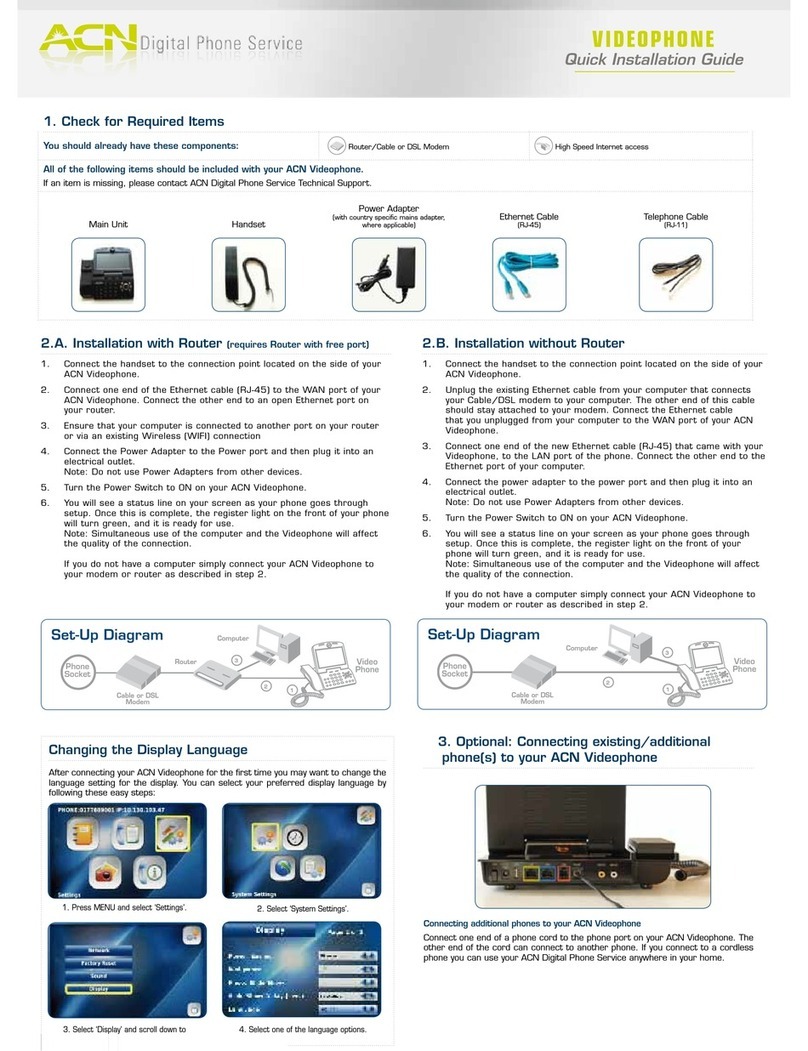
ACN Videophone Manuel utilisateur

ACN
ACN DigitalTalk Express Manuel utilisateur

ACN
ACN IRIS X Manuel utilisateur

ACN
ACN IRIS 3000 Manuel utilisateur

ACN
ACN IRIS 3000 Manuel utilisateur

ACN
ACN IRIS X Manuel utilisateur

ACN
ACN Iris V Manuel utilisateur

ACN
ACN Iris V Manuel utilisateur